

Contacts Backup: Cloud Storage
38.9 by PakZon IT Apps (0 Reviews) October 01, 2024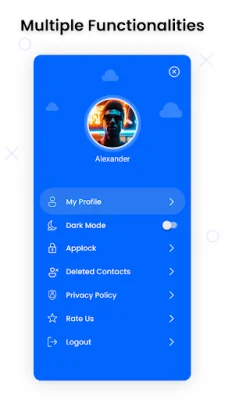
Latest Version
38.9
October 01, 2024
PakZon IT Apps
Communication
Android
0
Free
com.contactsbackup.cloudstorage.restoredata.contact
Report a Problem
More About Contacts Backup: Cloud Storage
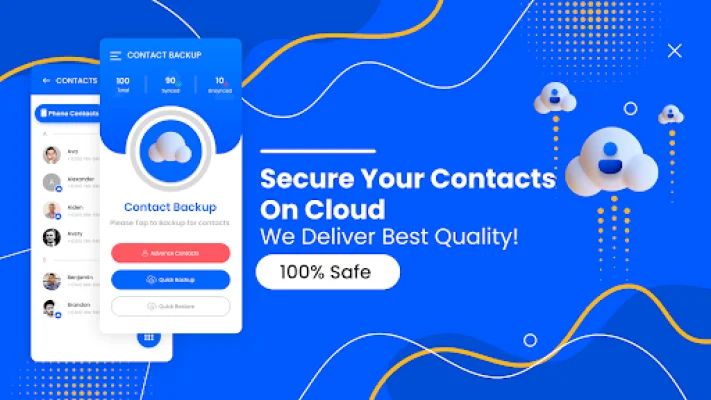
If you're looking for a simple and affordable solution to backup your phone contacts, then look no further! Contact Backup: Cloud Storage app is the ultimate solution for all your contact backup needs. With this app, you can easily backup and sync your contacts on cloud storage, making them accessible anytime and anywhere through a secure email backup. But why is this app the safest option compared to others?
Firstly, it ensures the security and safety of your contacts by storing them on a secure cloud storage platform. This means that even if you accidentally delete or lose your contacts on your phone, you can easily restore them with just a few taps. Additionally, you can also share your contacts with other devices, making it a reliable and convenient backup option.
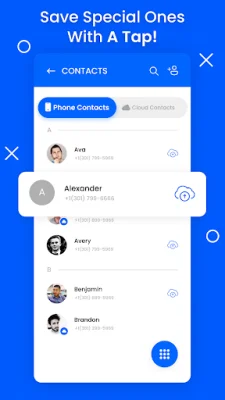
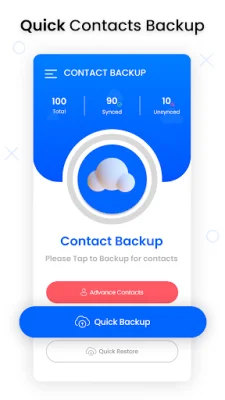
The app offers a variety of features to make the backup process easy and efficient. It provides a secure contacts cloud storage on your phone, a quick backup option, complete contacts sync, and a simple way to transfer contacts between devices. You can also choose to backup and restore individual contacts, making it a versatile and customizable app.
One of the biggest advantages of using this app is the secure cloud storage it offers. Your data is uploaded to a safe and protected platform, ensuring that only you have access to your contacts. This makes it a great backup assistant for your phone, giving you peace of mind knowing that your contacts are safe and easily accessible.
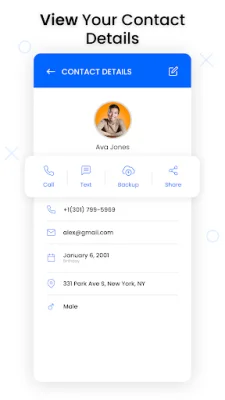
Sharing your contacts with other devices is also made easy with this app. Simply download the app on both devices, connect them, and click on the share button to transfer your contacts in a matter of seconds. This makes it a convenient option for those who frequently switch between devices or need to share contacts with others.
To use the Contacts Backup: Cloud Storage app, simply log in as a guest or with your email ID, allow access to your contacts, and press the quick backup button to backup all your contacts. You can also choose to backup individual contacts or restore all your contacts on any device at any time. With its user-friendly interface and efficient features, this app is a must-have for anyone looking to secure their phonebook data. So why wait? Download the app now and experience the ease and security of cloud storage for your contacts.
Rate the App















Popular Apps









