
Contacts to SIM
by Geo Apps MX (0 Reviews) March 29, 2026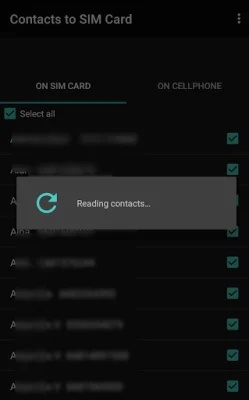
Latest Version
March 29, 2026
Geo Apps MX
Tools
Android
0
Free
com.geoapps.contactstosim
Report a Problem
More About Contacts to SIM
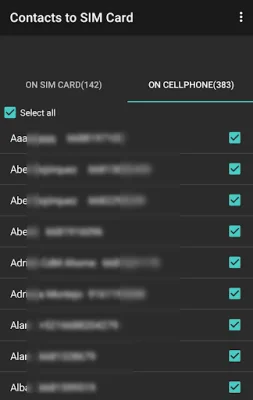
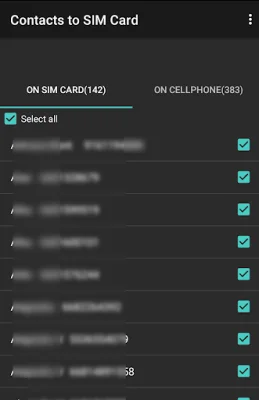
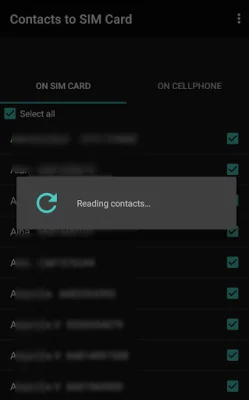
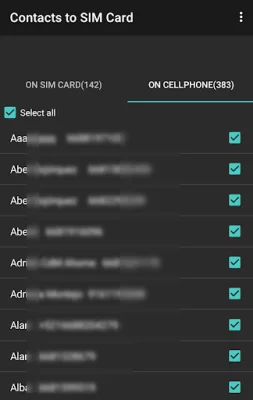
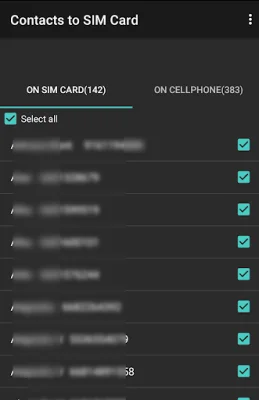
The application allows users to easily manage and save all of their contacts on their phone or SIM card. This means that users can choose to save their contacts in either location, depending on their preference. This feature is especially useful for those who switch phones frequently or need to transfer their contacts to a new device.
In addition to saving contacts, the app also offers the ability to export contacts in a CSV file. This can be done through email, Bluetooth, or other methods. This feature is helpful for users who want to back up their contacts or transfer them to another device.
The app also allows users to view their contacts and access various options such as calling, emailing, or sending a text message. This makes it easy for users to quickly contact their saved contacts without having to search for their information.
Aside from managing contacts, the app also provides basic information about the SIM card and device. This includes the SIM status, serial number, country ISO, operator code, and operator name. This information can be useful for troubleshooting or identifying issues with the SIM card.
Other useful features of the app include the ability to copy contacts from the SIM card to the phone and vice versa, as well as the option to share or delete contacts. This makes it easy for users to organize and manage their contacts as needed. Additionally, the app allows users to directly call a contact from within the app, making it a convenient all-in-one tool for managing contacts.
Rate the App














Popular Apps









