

CW Morse Code Trainer RX
1.0.9 by KG9E (0 Reviews) September 24, 2024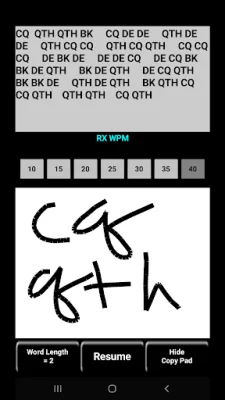
Latest Version
1.0.9
September 24, 2024
KG9E
Education
Android
0
$2.99
appinventor.ai_izzybella419.MorseCodeTrainer1015202530RX
Report a Problem
More About CW Morse Code Trainer RX
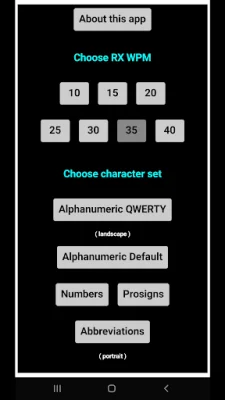
This application is designed to help users learn and improve their ability to copy Morse code. It offers a variety of features and interfaces to cater to different learning styles and preferences. The app allows users to choose their desired speed and character set, and provides two different interfaces for practicing: the Keypad interface and the Copy Pad interface. Users can also use an external keyboard for input.
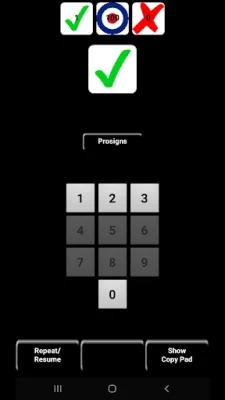
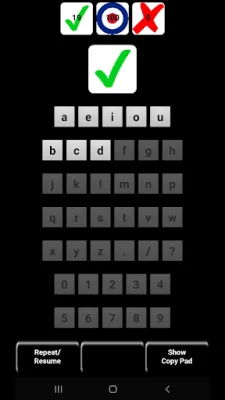
In the Keypad interface, the app plays a character in Morse code and the user must tap or type the matching character using the app's keypad or an external keyboard. As the user becomes more proficient, new characters are introduced. The app also allows users to adjust the font size of the keypad for better visibility.
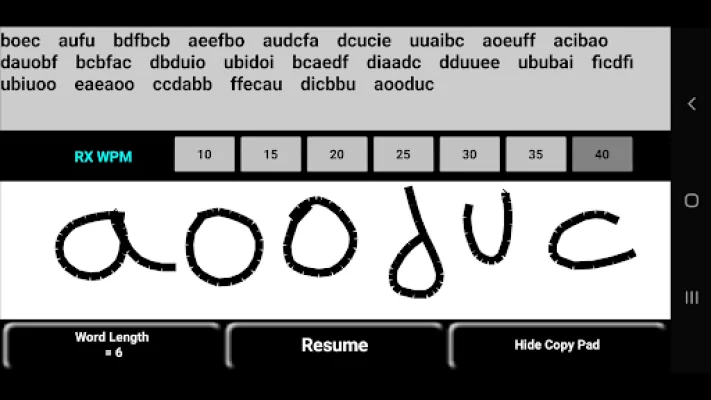
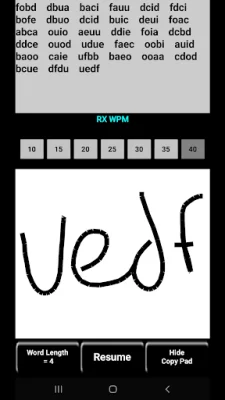
The Copy Pad interface allows users to receive a string of Morse code characters at various speeds and write them in the whitespace using their finger or stylus, or enter them via an external keyboard. The app provides a brief pause after each string for self-checking, and will compare the user's input to the given string for accuracy. Users can also adjust the word length and speed in this interface.
The app offers various ways to change the speed, including selecting it from the Home Screen or from the Copy Pad. Users can freely switch between speeds of 10, 15, 20, 25, 30, 35, and 40 WPM. The app also allows for customization, such as adjusting the font size of the keypad and resetting stats for a particular character set.
Within the app, certain gestures can be used to access different features, such as tapping and holding the large Character button to show or hide the presented character, or tapping and holding a small character keypad button to hear the character played in Morse code. Users can also tap on the definition of a Prosign or Abbreviation to show or hide its meaning.
If users have any questions, suggestions, or concerns, they can contact the developer via email. The app aims to provide a comprehensive and customizable learning experience for those looking to improve their Morse code skills.
Rate the App















Popular Apps









