Deniz: Big clock full screen
4.1 by Akin ILKYAZ (0 Reviews) August 04, 2024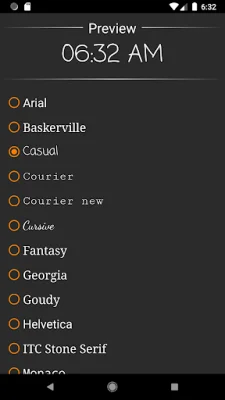
Latest Version
4.1
August 04, 2024
Akin ILKYAZ
Tools
Android
0
Free
com.akinilkyaz.apps.simpledigitaldeskclock
Report a Problem
More About Deniz: Big clock full screen
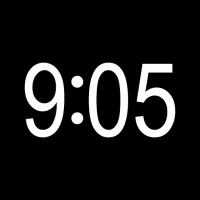
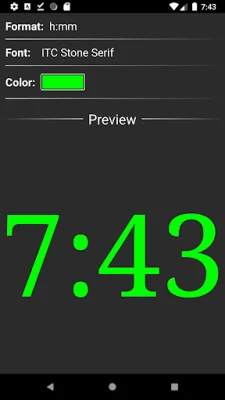
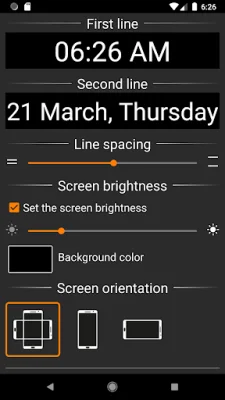
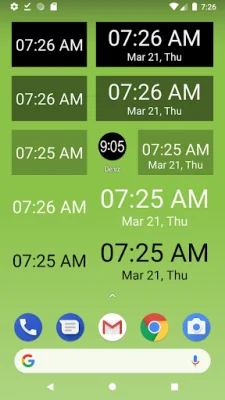
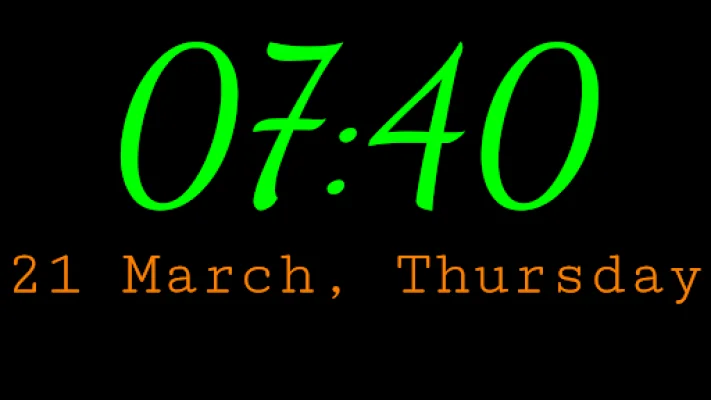
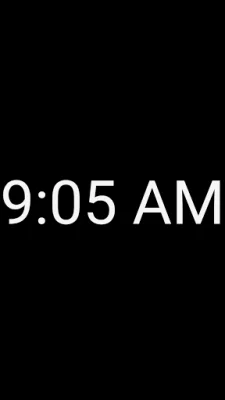
This application is a time display app that can be accessed by tapping on its icon. Once the app is opened, the current time, 9:05, will be displayed. To access the menu button, simply tap the screen once. From there, you can tap the screen again to enter full screen view. This app offers various features such as a one or two line display, different time and date formats, font and text color settings, background color setting, line spacing adjustment, screen brightness adjustment, and a lock option for portrait or landscape side screen use. Additionally, there are different widget options available for the home screen.
It is important to note that this application cannot be installed on the device's lock screen. This is because device manufacturers do not allow for the installation of apps on the lock screen. It is also important to mention that this app is not a screen saver. The 9:05 text that is displayed on the screen is actually the icon of the application, which is used to run the app.
One of the main features of this app is the ability to add widgets to the home screen, allowing for easy access to the time display at all times. This app also offers customization options such as different time and date formats, font and text color settings, and background color settings. Users can also adjust the line spacing and screen brightness to their preference. Additionally, there is a lock option for portrait or landscape side screen use, providing convenience for users who may prefer one orientation over the other.
In summary, this time display app offers a simple and convenient way to check the time by tapping on its icon. With various customization options and the ability to add widgets to the home screen, users can personalize their time display experience. However, it is important to note that this app cannot be installed on the device's lock screen and is not a screen saver.
Rate the App















Popular Apps









