

DesktopSMS Lite - SMS from PC
1.9.4 by mrpear.net (0 Reviews) September 10, 2024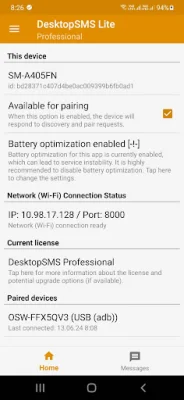
Latest Version
1.9.4
September 10, 2024
mrpear.net
Communication
Android
0
Free
net.mrpear.apps.desktopsmslite
Report a Problem
More About DesktopSMS Lite - SMS from PC
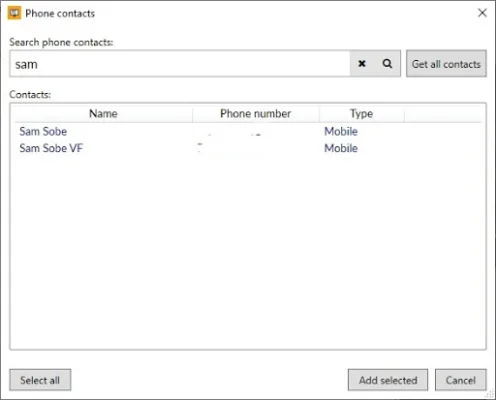
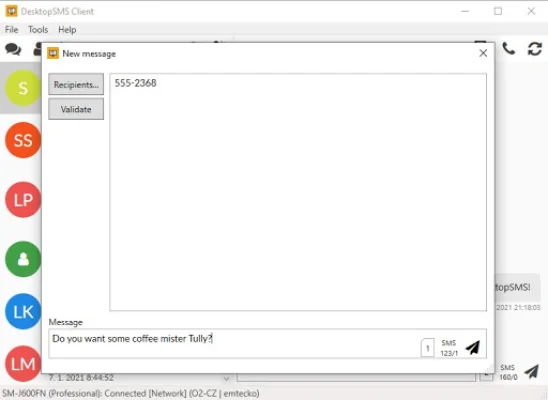
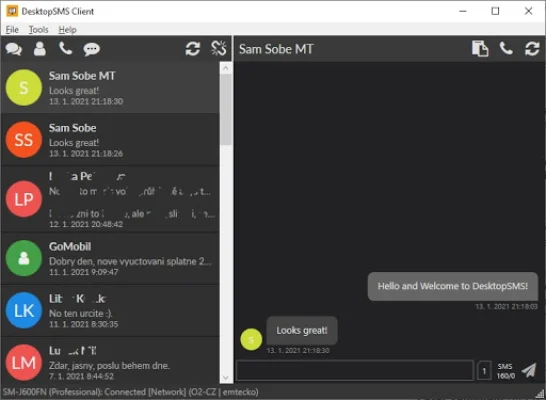
DesktopSMS is a convenient application that allows you to easily search and access your phone contacts from your desktop. With this app, you can initiate new conversations and view recent call logs to quickly text friends or colleagues who have recently called you. This makes it easier to stay connected and communicate with your contacts without having to constantly switch between your phone and computer.
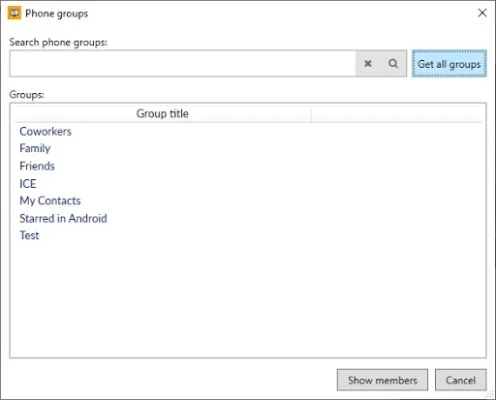
One of the key features of DesktopSMS is its ability to send group messages. You can simply select contacts or contact groups from your Android device, or copy and paste a list of contacts from your clipboard. This makes it easier to send bulk messages to multiple recipients without having to manually add each contact.
Another important feature of DesktopSMS is its message queue functionality. This means that even if the client disconnects after enqueuing bulk messages, they will still be reliably stored and processed. This ensures seamless communication and data integrity, regardless of the client's connection status. With this feature, you can be sure that all your messages will be delivered to their intended recipients without interruption.
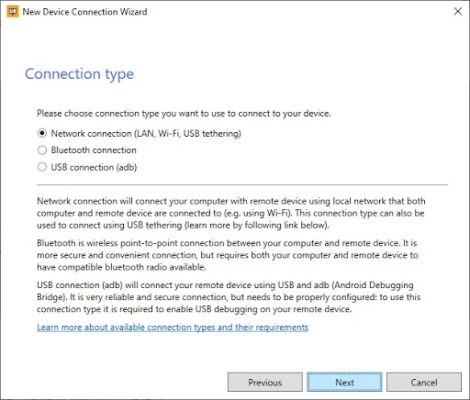
DesktopSMS also offers support for dual SIM phones and can connect via Wi-Fi, Bluetooth, or USB cable. The best part is that you don't need an internet connection or online registration to use this app. Everything operates locally and anonymously, making it a secure and convenient option for messaging.
To fully utilize DesktopSMS, you will need to download the DesktopSMS Client for Windows/PC from their website for free. Once you have downloaded and installed the client, you can easily pair it with your Android device and start synchronizing your conversations and SMS/MMS messages. This allows you to comfortably message from your desktop without having to constantly switch between devices.
The Lite version of DesktopSMS integrates with your default Android SMS messenger to provide SMS and MMS synchronization with the DesktopSMS Client on Windows. This means that it is not a standalone messenger, hence the name "Lite". However, the developers are working on adding more features in the future, such as the ability to delete messages and mark them as read.
In conclusion, DesktopSMS is a useful application for anyone who wants to streamline their messaging experience and stay connected with their contacts. With its convenient features and easy setup process, it is a must-have for those who frequently use both their phone and computer for communication.
Rate the App













Popular Apps









