
DIRECTV FOR BUSINESS Remote
1.7.2 by DIRECTV, LLC (0 Reviews) August 05, 2024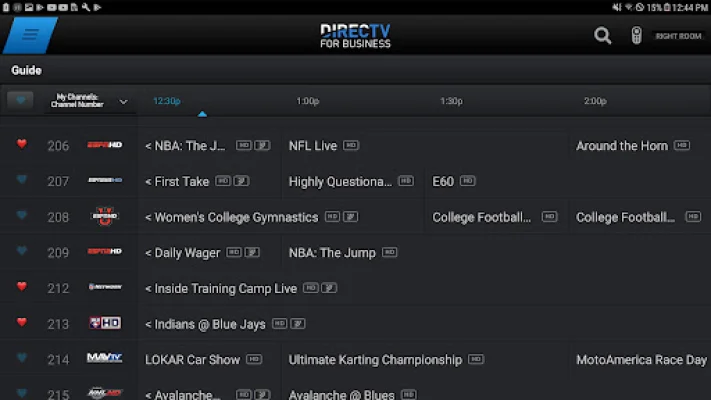
Latest Version
1.7.2
August 05, 2024
DIRECTV, LLC
Entertainment
Android
0
Free
com.directv.copilotcommercial
Report a Problem
More About DIRECTV FOR BUSINESS Remote
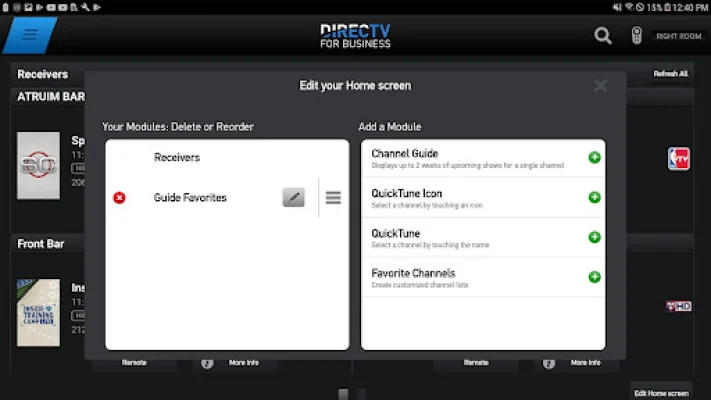
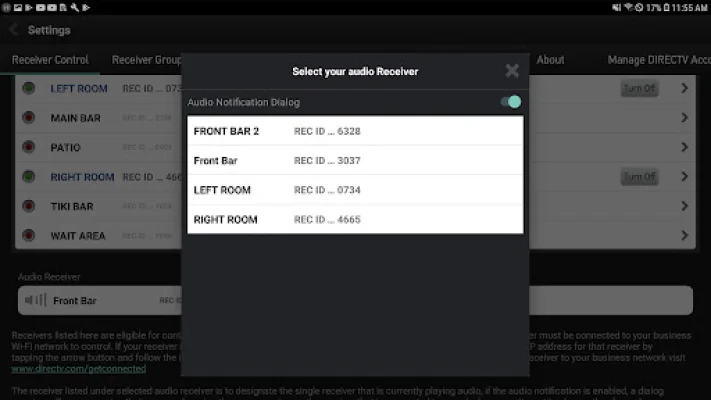
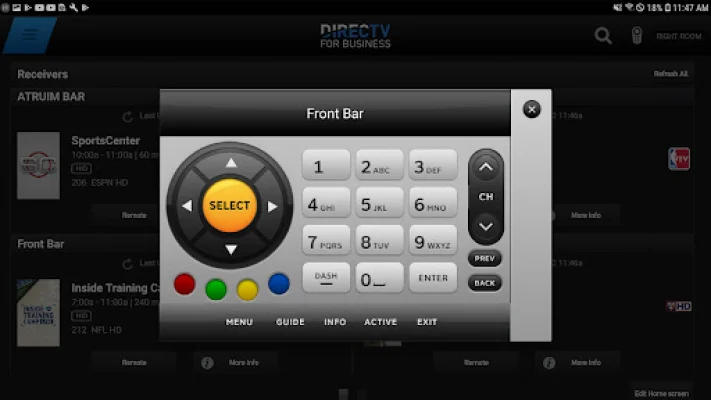
The DIRECTV FOR BUSINESS app is a convenient and efficient tool for DIRECTV customers who want to manage their TV viewing experience in a more personalized and streamlined way. With this app, users can quickly identify receivers with custom names, making it easier to navigate and control their TVs. This feature is especially useful for businesses with multiple TVs, as it allows them to easily switch between different receivers and channels without confusion.
One of the key benefits of the DIRECTV FOR BUSINESS app is the ability to see what's playing on all your TVs from one screen. This eliminates the need to switch between different channels or TVs to find out what's currently playing. This feature is particularly useful for businesses that have multiple TVs in different areas, as it allows them to keep track of all their TVs and programming from one central location.
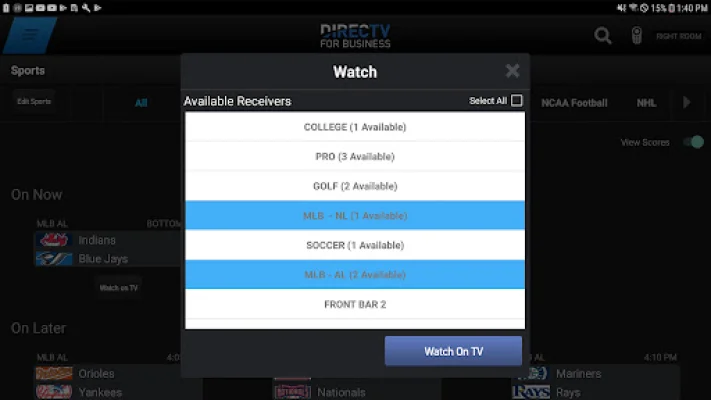
In addition to managing receivers and viewing schedules, the app also provides access to all current and upcoming sports schedules. This is a valuable feature for businesses that want to stay on top of the latest sports events and ensure that their TVs are tuned in to the right channels at the right times. With this feature, businesses can easily plan their programming and attract customers who are interested in watching sports.
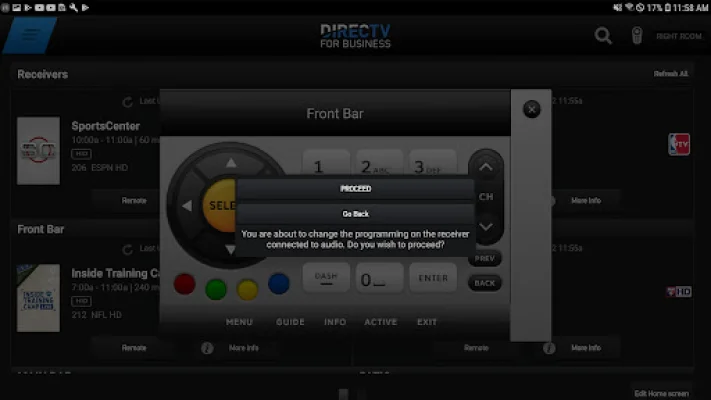
The DIRECTV FOR BUSINESS app also offers the ability to group receivers, allowing users to change multiple TVs at once. This is a time-saving feature that is especially useful for businesses with a large number of TVs. By grouping receivers, businesses can quickly and easily change channels or programming on multiple TVs simultaneously, without having to manually adjust each TV individually.
In order to use the DIRECTV FOR BUSINESS app, users must have an Android tablet running OS 7.0 or higher. They must also have a Business account registered on DIRECTV's website, which can be done at https://www.directv.com/myaccount/registration. This account must be linked to their DIRECTV account and have a compatible DIRECTV HD receiver that is broadband connected. The tablet and receivers must also be connected to the same local network, and users will need a Wireless Router and DIRECTV Ethernet to Coax Adapter (DECA).
It's important to note that the use of the DIRECTV FOR BUSINESS app is subject to DIRECTV's Customer Agreement and Privacy Policy, which can be found on their website. By using this app, businesses can enhance their TV viewing experience and make it easier to manage their programming and receivers, ultimately improving their overall customer experience.
Rate the App











Popular Apps









