

DNS Changer IPV4 - IP Tools
by Smart Nextgen Studio (0 Reviews) December 08, 2025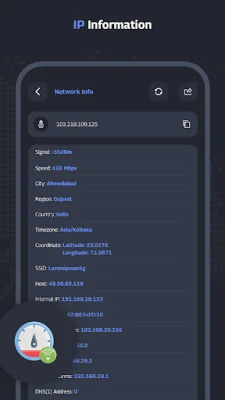
Latest Version
December 08, 2025
Smart Nextgen Studio
Tools
Android
0
Free
com.dnschanger.iptools
Report a Problem
More About DNS Changer IPV4 - IP Tools
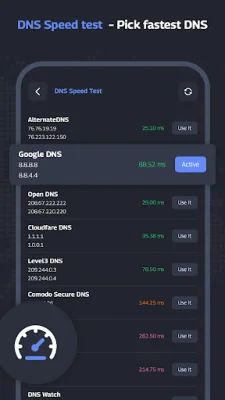
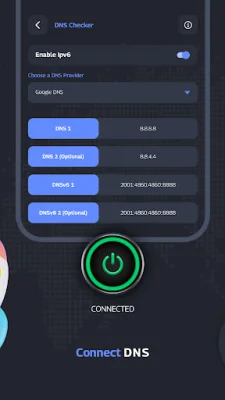
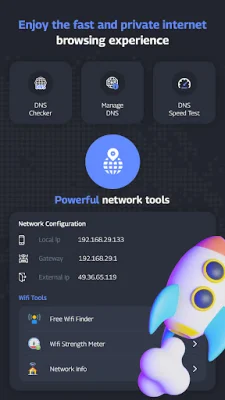
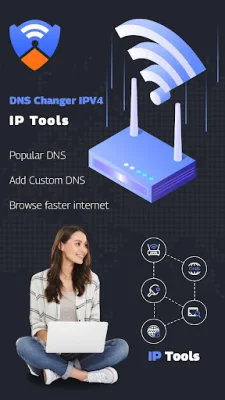
This application, called DNS Changer with IPv4 & IPv6 tools, offers a variety of features to help improve your internet experience. One of the key features is the DNS Speed Test, which allows you to find the fastest DNS server for your device. You can also add your own custom DNS server with no limits, making it easy to personalize your internet connection. The app is designed to be user-friendly, with a one-tap connect feature and no login required. It also offers a preconfigured list of public DNS servers to choose from. For those who upgrade to the Pro version, there is the added benefit of being able to control which apps use the selected DNS server.
But why would you want to change your DNS server in the first place? There are several reasons, including improving your online gaming experience, staying more secure on public Wi-Fi, and accessing restricted websites more easily. By changing your DNS server, you can also freely explore your favorite sites and apps, and enjoy a faster and more private internet browsing experience.
In addition to the DNS changer, this app also offers a Free WiFi Finder feature. This allows you to scan and search for free WiFi hotspots around you, and easily connect to them with just one click. This is especially useful for those who are constantly on the go and need to stay connected.
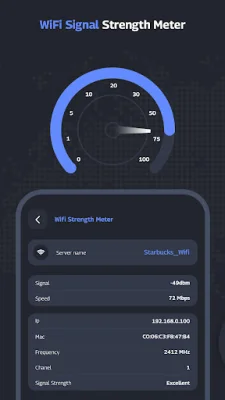
The app also includes a range of powerful network utilities, such as a Pin Scanner, Port Scanner, WiFi Signal Strength Meter, and more. These tools can help you troubleshoot and optimize your network connection. You can also access your router's admin setup page, perform DNS lookups, and scan your local area network. Additionally, there are IP tools available, such as an IP calculator, IP host converter, and IP information. These tools are designed to provide access to the most popular WiFi utilities, making it easier for you to manage your network.
Overall, this app offers a comprehensive set of features to help you improve your internet experience. Whether you want to find the fastest DNS server, connect to free WiFi hotspots, or troubleshoot your network, this app has you covered. It's a must-have for anyone looking to optimize their internet connection and stay connected on the go.
Rate the App













Popular Apps









