

Easy Currency Converter
by ExtraAndroary (0 Reviews) September 01, 2024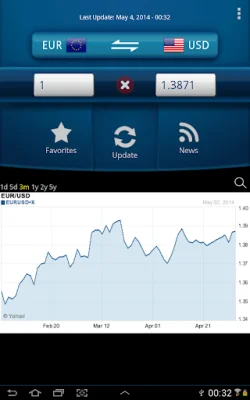
Latest Version
September 01, 2024
ExtraAndroary
Finance
Android
0
Free
com.easy.currency.extra.androary
Report a Problem
More About Easy Currency Converter
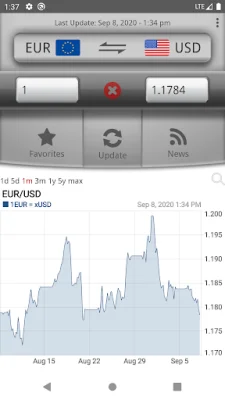
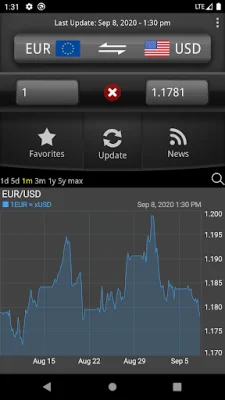
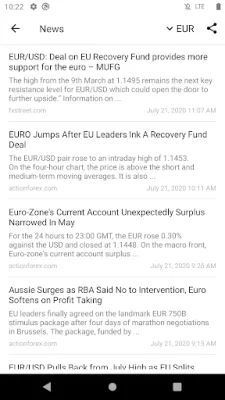
This application is a currency converter that supports all currencies from around the world, as well as some metals and popular cryptocurrencies such as Bitcoin, Ethereum, and Litecoin. This means that users can easily convert between different currencies and keep track of their values in real-time. The exchange rates are updated every second, ensuring that users have the most accurate and up-to-date information.
One of the key features of this application is its offline mode. This means that even when users are not connected to the internet, they can still access the app and use it to convert currencies. The app will use the data from the last connection to provide users with the most recent exchange rates. This is especially useful for travelers who may not always have access to the internet but still need to convert currencies.
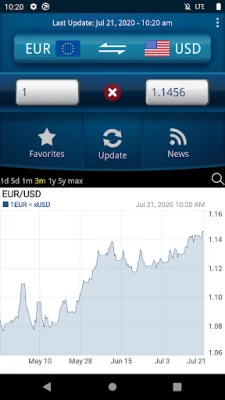
In addition to the real-time exchange rates, the app also offers historic graphs that display the exchange rate development since 2011. This allows users to track the performance of different currencies over time and make informed decisions about their investments. The graphs are interactive and easy to read, making it simple for users to analyze the data and make informed decisions.
To make it even easier for users to find the currency they need, the app also includes a search function. This allows users to quickly search for a specific currency and access its exchange rate without having to scroll through a long list. This feature is especially useful for users who frequently convert between specific currencies or need to find a currency quickly.
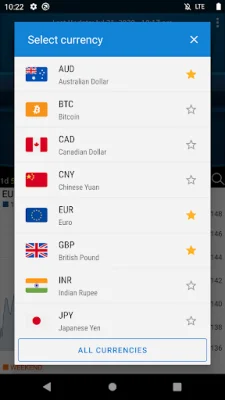
Adding a new currency to the app is also simple and convenient. Users can click the 'All currencies' button below their personal currency list to add a new currency. This makes it easy for users to customize their currency list and add any new currencies they may need. Overall, this currency converter app offers a user-friendly and efficient way to convert between currencies and keep track of their values.
Rate the App















Popular Apps









