
EX File Manager :File Explorer
1.4.6.1 by Ace Mobile (0 Reviews) August 17, 2024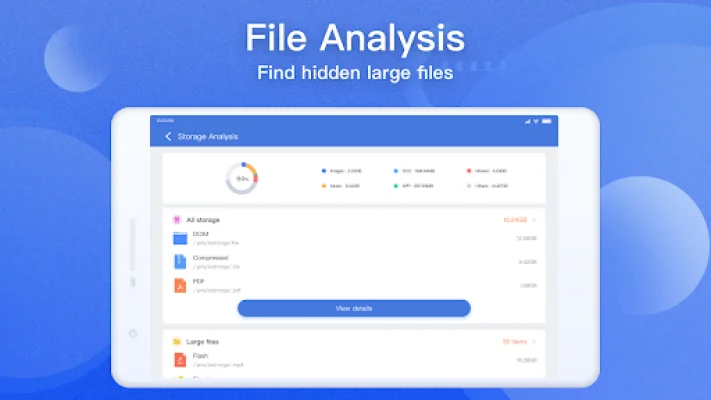
Latest Version
1.4.6.1
August 17, 2024
Ace Mobile
Tools
Android
0
Free
com.ace.ex.file.manager
Report a Problem
More About EX File Manager :File Explorer
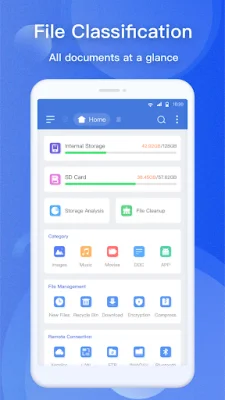
EX File Explorer - File Manager is a free, safe, and simple application that allows you to efficiently manage your files on your Android device. It offers a full range of features and is fast and easy to use. With this file explorer, you can manage your files just like you would on a desktop or laptop, using functions such as Multiple Select, Cut/Copy/Paste, Move, Create, Delete, Rename, Search, Share, Send, Hide, Create Shortcut, and Bookmark.
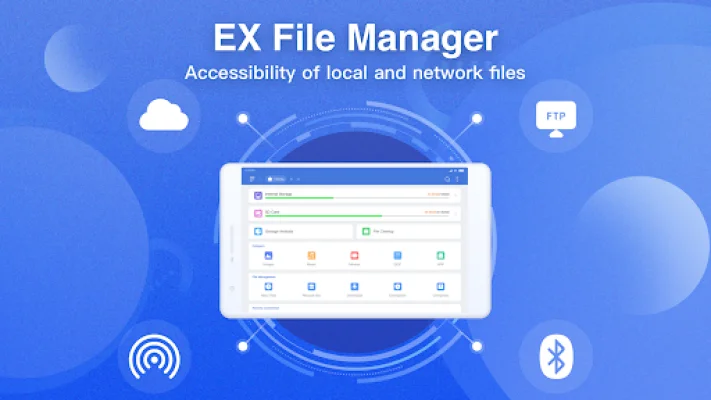
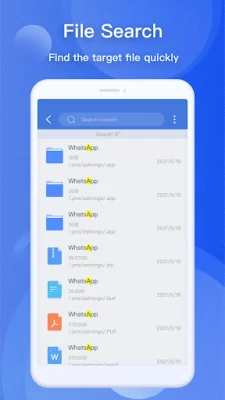
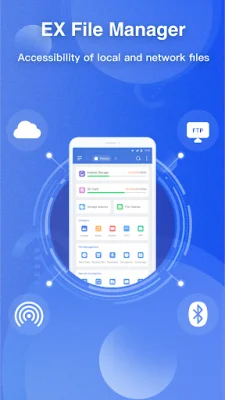
Not only can you manage files and folders on your device, but you can also access and manage files on cloud storage services like Google Drive, Dropbox, OneDrive, and Yandex. Additionally, you can manage network storages like FTP, FTPS, SFTP, and WebDAV, as well as local area networks like SMB 2.0, NAS, CIFS, FTP, and HTTP. The app also offers efficient file search capabilities, allowing you to find files quickly.
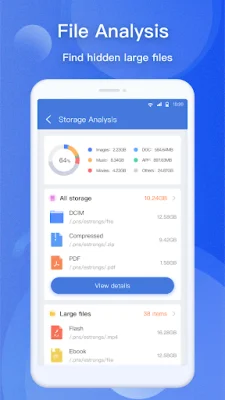
EX File Explorer - File Manager also offers features like disk analysis, which allows you to analyze your space usage, large files, file categories, recent files, and folder size. You can also compress and decompress files in formats like Zip, Rar, 7zip, and obb. The app also allows you to access files from your PC and view APK files as ZIP. You can easily share files via Bluetooth, email, or other supported devices, and even work with Zip files as if they were normal folders. Additionally, the app offers 128-bit file encryption for added security.
With EX File Explorer - File Manager, you have complete control over your file system and can do almost anything with your files. The app is designed to make it easy to find what you're looking for, with organized and efficient file management. It supports multiple languages, including Spanish, German, Korean, Russian, French, Italian, Hindi, Thai, Portuguese, and more. If you have any suggestions for improvements or need support, you can reach out to the app's support team via email.
Rate the App















Popular Apps









