

File Manager PRO: Manage Files
1.20 by Quantum4u (0 Reviews) August 18, 2024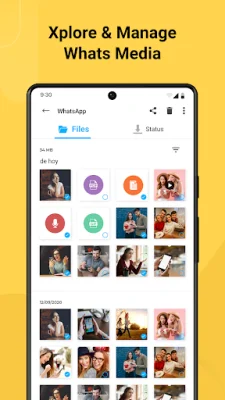

Latest Version
1.20
August 18, 2024
Quantum4u
Tools
Android
0
Free
com.app.filemanager
Report a Problem
More About File Manager PRO: Manage Files
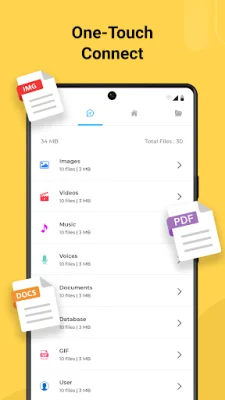
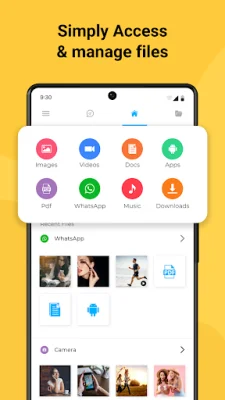
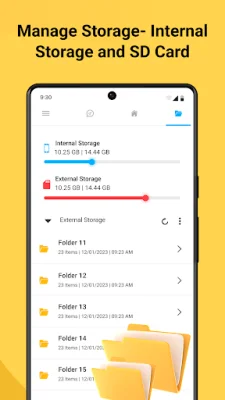
Our File Manager - File Explorer is a comprehensive app that offers a variety of features to make managing your files easier and more efficient. One of its standout features is the WA Status Saver, which allows you to save or download statuses from your social media apps with just one tap. This means you can easily keep track of your favorite statuses without having to manually save them. In addition to the WA Status Saver, our File Manager also serves as an all-in-one file explorer. This means you can access and manage all of your phone's files in one place, including recent files, cut, copy, paste, rename, and sort functions. You can also create folders and access both internal and external storage within the app. Our File Manager also offers multilingual support, with 9 different languages available for users to choose from. This allows you to customize the app to your preferred language for a more user-friendly experience. Another useful feature of our File Manager is the ability to manage apps and backup them up on your Android device. This means you can easily organize and backup all of your apps within the app itself. Sharing files is made simple with our File Manager, as you can easily share any number of files to your social media apps directly from the app. This eliminates the need to switch between apps to share files, saving you time and effort. The File Manager also provides detailed information about your storage, including used and unused space in both internal and external storage. This allows you to easily keep track of your storage and manage it accordingly. You can also personalize your file browsing experience by adding files and folders to your favorites. This makes it easier to find and access your most frequently used files. Our File Manager also offers light and dark theme support, allowing you to choose the theme that best suits your preferences. Additionally, it has a built-in media player feature, so you can access images and videos directly from the app. For those looking for even more features, our File Manager offers a PRO version with ad-free browsing and access to premium features such as file management. We assure you that our app is safe and secure, and we are always open to suggestions and queries to improve our File Explorer. If you encounter any issues, you can contact us at [email protected].
Rate the App















Popular Apps









