
File Viewer for Android
4.6 by Sharpened Productions (0 Reviews) August 07, 2024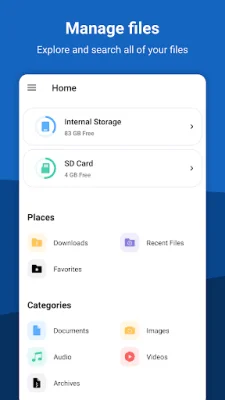
Latest Version
4.6
August 07, 2024
Sharpened Productions
Tools
Android
0
Free
com.sharpened.androidfileviewer
Report a Problem
More About File Viewer for Android
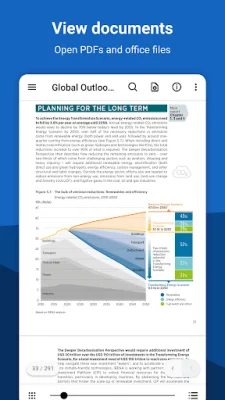
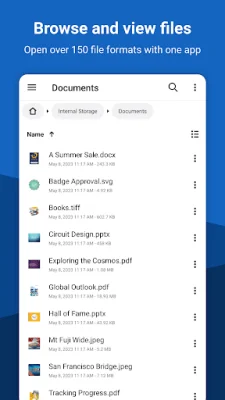
Android File Viewer is a versatile and comprehensive application that allows users to open and manage over 150 different file formats with just one app. It features a built-in file manager and file explorer, making it easy to browse, search, and organize files. The app also offers various document viewers, including a DOCX reader, DOC reader, PDF viewer, PPTX viewer, PPT viewer, and CSV viewer. Additionally, users can convert documents to different formats, such as DOCX to PDF, PPTX to PDF, and PPT to PDF.
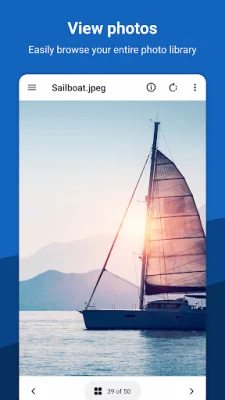
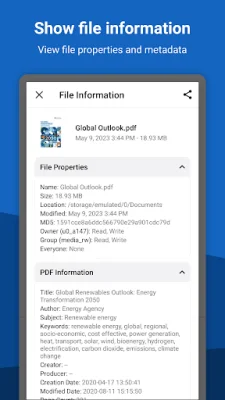
One of the unique features of Android File Viewer is its ability to open image formats that are not supported on Android devices, such as TIFF, SVG, and Raw photo files. The app also allows users to extract compressed archives, including Zip, 7z, and Tar Gzip files. Users can also view file metadata, MD5 checksums, and EXIF data.
For those who enjoy reading eBooks, Android File Viewer offers an EPUB reader, MOBI reader, and Kindle reader. It supports various eBook formats, including EPUB, Mobipocket, and non-DRM protected Amazon Kindle files.
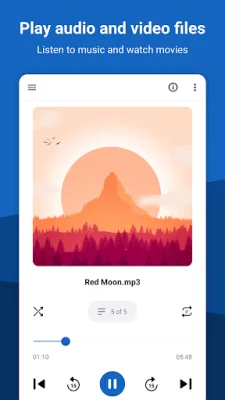
In addition to documents and eBooks, the app also supports various other file types, such as emails, camera raw files, and images. It even has the ability to open AVIF images, which are only supported on Android 12 and above. Users can also view audio and video files, as well as text and web files.
For developers or those who work with source code, Android File Viewer offers a unique feature of viewing code with syntax highlighting. It supports a wide range of programming languages, including C/C++, Java, JavaScript, Python, and more. This feature is brought to you by FileInfo.com, an online database that provides information about thousands of file types.
Rate the App















Popular Apps









