
Find My Phone Android: Tracker
1.8.9 by Salville Technologies (0 Reviews) September 17, 2024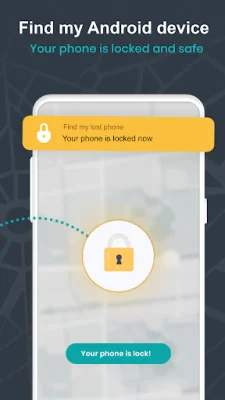
Latest Version
1.8.9
September 17, 2024
Salville Technologies
Tools
Android
0
Free
com.salville.inc.trackyourphone
Report a Problem
More About Find My Phone Android: Tracker
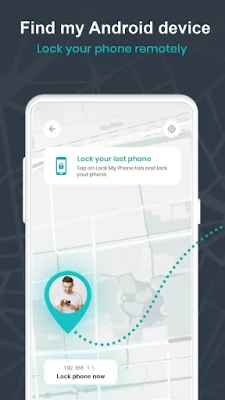
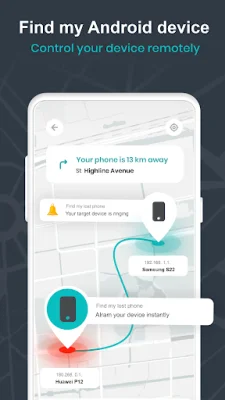
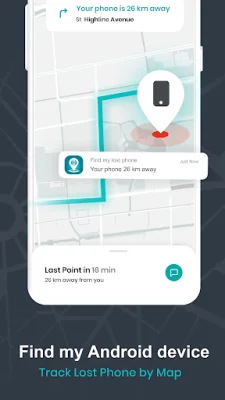
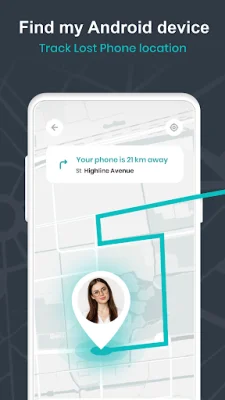
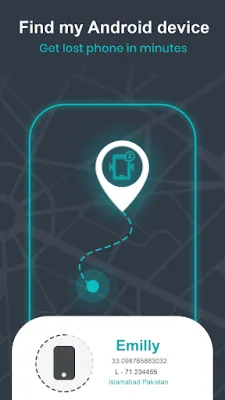
The Find My Phone android or lost phone tracker app is a useful tool for locating and securing your phone in case it is lost or stolen. It offers several important features such as the ability to remotely lock your phone with a security code, locate your phone using GPS or cellular network, and even set off an alarm at maximum volume even if the phone is on silent mode. The app also allows you to save important information like your phone's IMEI number and lock code to trusted phone numbers, and it can even send a security code to your email for record-keeping purposes. Best of all, it works without the need for an internet connection, making it a reliable tool in any situation.
To use the Find My Phone app, simply activate it by pressing the "Activate" button on the main screen. If you have misplaced your phone, you can easily locate it by signing into the app on another smartphone. You can also lock your phone or set off an alarm with a single tap. In case your phone is stolen, the app saves important information like the IMEI number and current location of the phone, which can be accessed remotely by sending a message to the new SIM card in the stolen phone. This feature can be especially helpful in recovering a stolen phone.
To uninstall the app, you must first deactivate it by tapping the "Activated" button or going to your phone's settings and unchecking the app from the list of device administrators. It is important to note that the app requires Device Administrator permissions in order to function properly. These permissions allow you to remotely lock your phone and reset your password in case it is lost or stolen.
In conclusion, the Find My Phone android or lost phone tracker app is a reliable and convenient tool for locating and securing your phone. Its features make it easy to find a misplaced phone, lock it remotely, and even recover a stolen phone. With its low battery consumption and ability to work without an internet connection, it is a must-have app for any smartphone user.
Rate the App














Popular Apps









