
Freelook Head Tracker
1.2.2\"},{\"releaseDate\":\"2024-10-31 by Head tracking for games (0 Reviews) October 30, 2025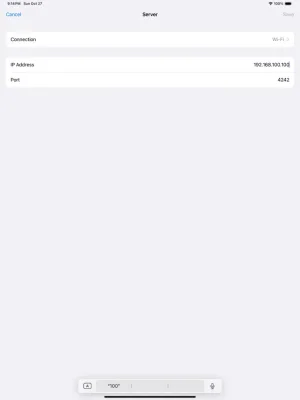
Latest Version
1.2.2\"},{\"releaseDate\":\"2024-10-31
October 30, 2025
Head tracking for games
Games
iOS
27.3 MB
0
Free
Report a Problem
More About Freelook Head Tracker
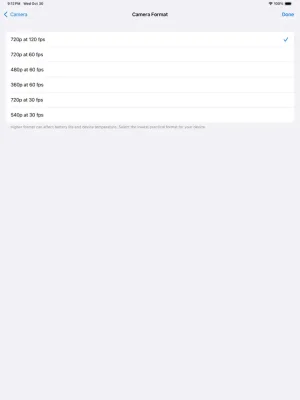
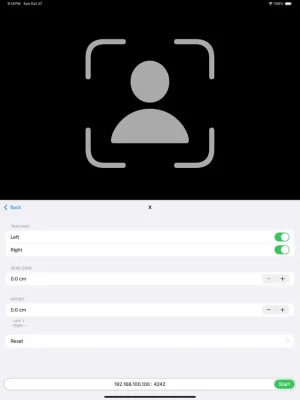
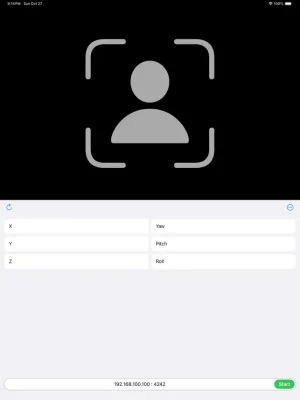
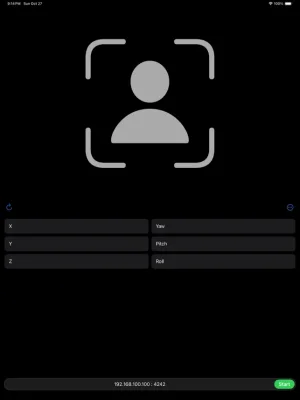
Freelook is an application that can be used on all iOS devices with a front facing camera and running iOS12 or later. It offers a variety of features such as 120fps, USB connection, keyboard shortcuts, dark mode, and gestures. The app is available for free with ads, but users can upgrade to the pro version without ads for a fee. However, the pro version requires iOS15 or later to be installed on the device.
To use Freelook, users need to set up Opentrack on their PC. Opentrack is a free software that tracks head movements and relays the information to games and flight simulation software. Users can download the latest version of Opentrack from https://github.com/opentrack/opentrack/releases. Once installed, users need to select UDP over network under Input and remember the Port number (default is 4242). This value will need to be entered in the app.
Next, users need to select freetrack 2.0 Enhanced under Output and Accela under Filter. Accela is recommended as it works well without any additional adjustments. However, if users prefer to use a different filter, they may need to adjust its settings. Users can also customize the mapping properties according to their preferences.
If users want to use the app's built-in Center feature, they need to uncheck the Center at startup option under Shortcuts in the Options menu. Once all the settings are adjusted, users can click Start to start receiving inputs.
In order to use Freelook, users also need to set up their PC (Windows). This involves opening the network settings and clicking on Windows Firewall. From there, users need to click on Inbound Rules and then select New Rule. They should then select Program and browse to the Opentrack exe file location. Users should then select Allow the connection and specify a name for the rule. They can find their IP address by clicking on the network icon on the taskbar or by using Command Prompt and typing in "ipconfig".
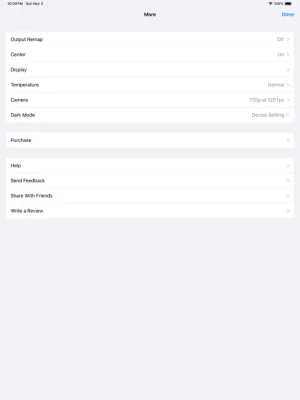
Once the PC is set up, users can run the Freelook app on their iOS device. They may need to grant camera access and local network access when prompted. Users can then enter the IP address and Port number from the Opentrack/PC (Windows) Setup and click Start. If the Start button does not change to Stop, users can click Start again. If they want to use Opentrack's Center feature, they can turn it off by clicking on More.
In summary, Freelook is a versatile app that allows users to control their PC games and flight simulation software using head movements. It is compatible with all iOS devices with a front facing camera and offers a range of features such as USB connection, keyboard shortcuts, and dark mode. Users can try the app for free with ads and upgrade to the ad-free pro version for a fee. To use the app, users need to set up Opentrack on their PC and configure their network settings. Overall, Freelook is a useful tool for gamers and flight simulation enthusiasts looking for a hands-free experience.
Rate the App














Popular Apps









