

Galaxy Buds Pro Manager
6.0.24012551 by Samsung Electronics Co., Ltd. (0 Reviews) August 07, 2024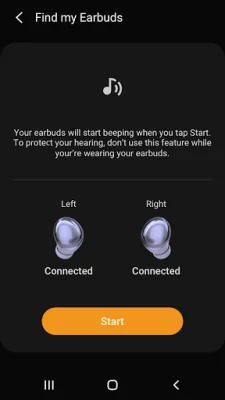
Latest Version
6.0.24012551
August 07, 2024
Samsung Electronics Co., Ltd.
Tools
Android
0
Free
com.samsung.accessory.atticmgr
Report a Problem
More About Galaxy Buds Pro Manager
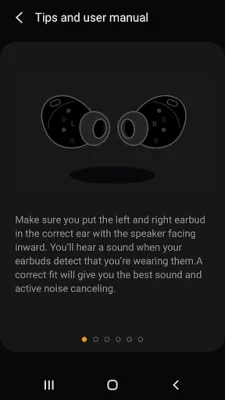
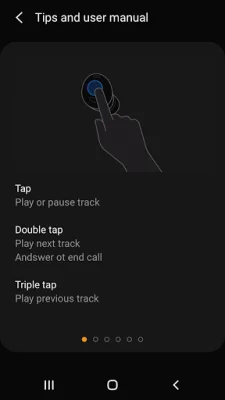
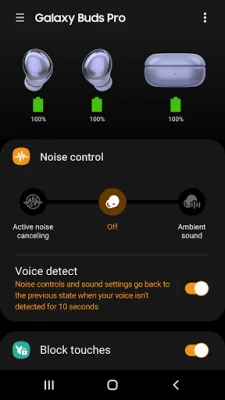
This application, called Galaxy Buds Pro Manager, is not a standalone app. It is actually a component of the larger Galaxy Wearable application. In order for the Galaxy Buds Pro Manager to function properly, the Galaxy Wearable app must be installed first.
For users with Android 7.0 or later, it is important to allow the necessary permissions for the Galaxy Buds Pro Manager in the Android Settings. This will ensure that all features of the app can be used without any issues. To do this, go to Settings > Applications > Galaxy Buds Pro Manager > Permissions.
The app requires certain access rights in order to provide its services. Some permissions are required, while others are optional. For the required permissions, the app will not function properly if they are not granted. However, for optional permissions, the app will still work but certain features may not be available.
The required permissions include access to the phone, storage space, schedule, contact, and SMS. These are necessary for tasks such as checking for device updates, storing music, and using voice notifications for calls and messages. The optional permissions are not specified, but it is likely that they are for additional features that may be added in the future.
If there is a software update, the previously allowed permissions may be reset. In this case, users can go to the Apps menu in their device settings to reset the permissions. This will ensure that the app continues to function properly after the update.
Rate the App















Popular Apps









