

GB Auto Clicker-Auto Tap
1.8.0 by StayHau (0 Reviews) August 19, 2024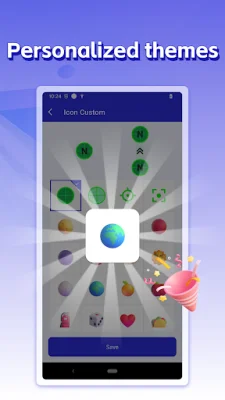
Latest Version
1.8.0
August 19, 2024
StayHau
Tools
Android
0
Free
com.clicker.autoclickerapp.autoclickerforgames.autoclicker
Report a Problem
More About GB Auto Clicker-Auto Tap
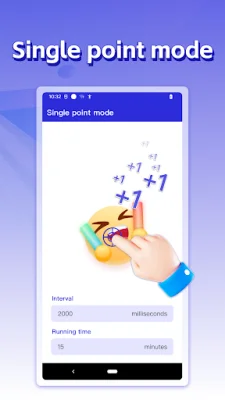
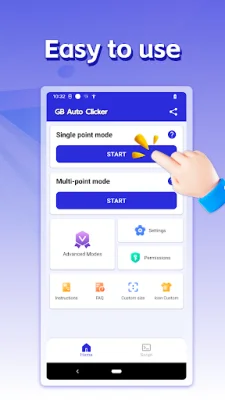
GB Auto Clicker - Auto Tap is an application that allows you to automate clicking on your Android device. It has several key features that make it a useful tool for various tasks. One of these features is the Sync Clicking Mode, which allows you to quickly click multiple targets at the same time. This is useful for tasks that require multiple clicks in a short amount of time.
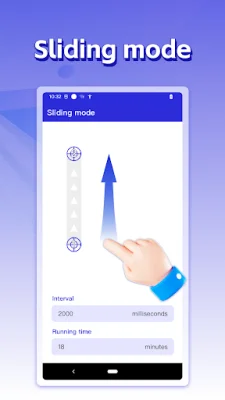
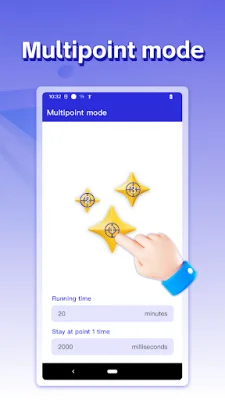
The Multi-Touch Clicking Mode is another useful feature that supports continuous pasting of multiple target points. You can set the number of clicks for each target point individually, making it customizable for different tasks. The Edge Clicking Mode is also available, which allows you to tap the edges of your screen easily. This is helpful for areas that are not supported by other clickers.
The App Auto Startup feature is convenient for those who frequently use the auto clicker in a specific app. It allows you to select the app and click mode, and the configuration will automatically appear every time you launch the app. This eliminates the need to activate the auto clicker every time you use it.
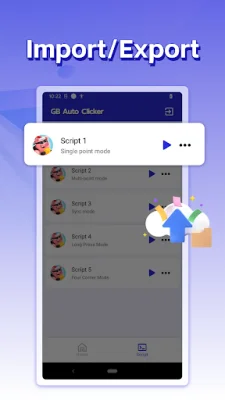
For gamers, the Game Anti-Detection feature is a useful addition. It allows you to set clicks at random intervals and coordinates, making it harder for the game to detect the use of an auto clicker. The application also offers the option to import and export saved configurations, making it easier to switch between different settings.
GB Auto Clicker - Auto Tap also allows you to change the skin of click targets, with multiple styles to choose from. This adds a fun element to the otherwise monotonous task of recording clicks. The application also supports a night mode for those who prefer a darker interface.
It is important to note that the application only supports Android 7.0 and above and requires accessibility service to function. However, it does not require root access and does not collect personal data. The accessibility service API is used to implement core functions such as simulating clicks and swipes on the screen.
If you have any suggestions or issues with the application, you can email the developers at [email protected]. They are open to feedback and are constantly working to improve and optimize the application. So, if you are looking for an easy and efficient way to automate clicking on your Android device, give GB Auto Clicker - Auto Tap a try. Thank you for considering this application!
Rate the App















Popular Apps









