Giant clock
by Bojan Kogoj (0 Reviews) August 07, 2024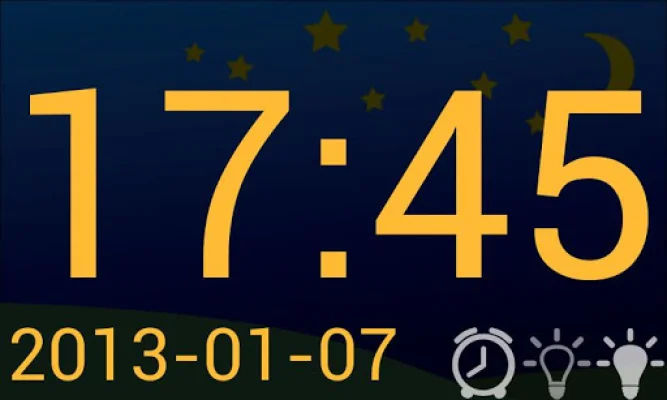
Latest Version
August 07, 2024
Bojan Kogoj
Tools
Android
0
Free
com.bojankogoj.giantclock
Report a Problem
More About Giant clock
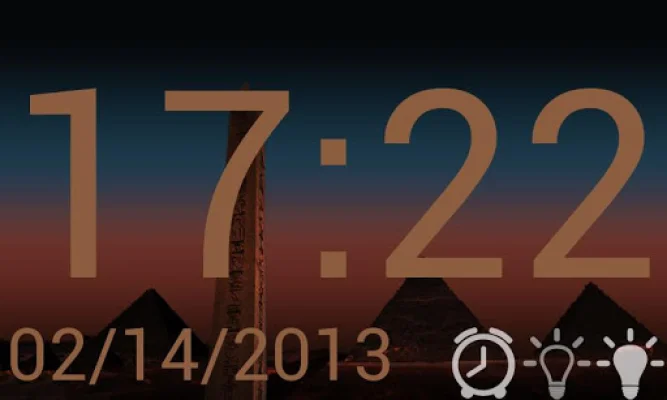
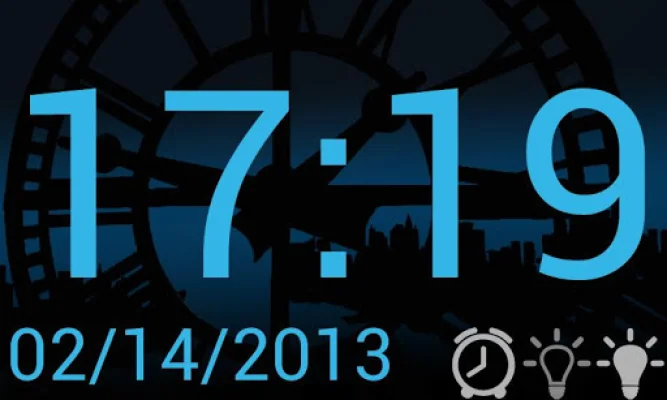
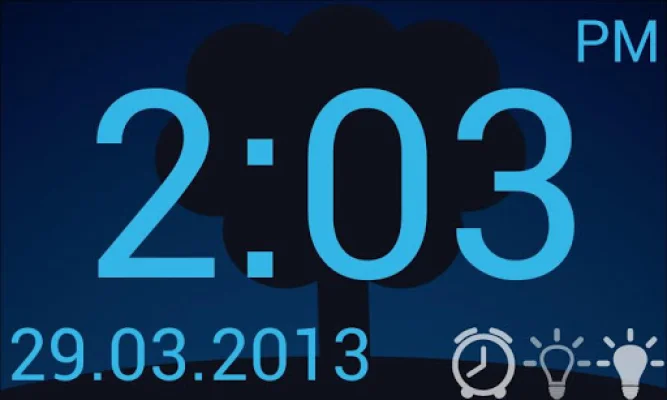
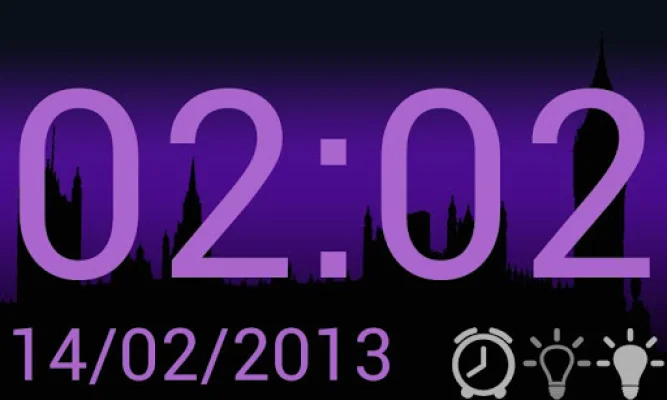
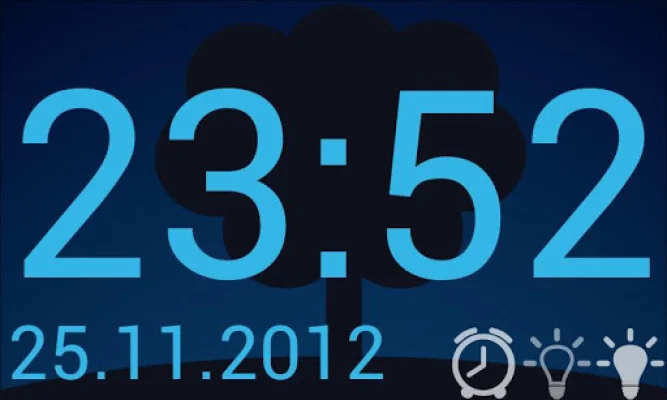
This application allows you to customize your device's display settings to your personal preferences. You have the option to choose from a variety of text colours and backgrounds, allowing you to create a unique and personalized look for your device. Whether you prefer bold and bright colours or a more subtle and muted palette, this app has got you covered.
In addition to customizing the visual aspects of your device, you also have the ability to choose between a 12 or 24 hour time display. This feature is perfect for those who prefer a specific time format or for those who may need to switch between the two for different purposes.
Another great feature of this app is the ability to choose from different date representations. Whether you prefer the day to come first or the year, this app allows you to select from various date formats such as d.m.Y, d/m/Y, m/d/Y, Y/m/d, or Y-m-d. This allows you to display the date in a way that makes the most sense to you.
For those who want to keep their device's screen on at all times, this app also offers a screen lock feature. This means that your screen will not dim or lock until you manually do so, giving you uninterrupted access to your device. This is perfect for those who may be using their device for extended periods of time or for specific tasks.
Lastly, this app also allows you to adjust your screen brightness. This is a great feature for those who may be using their device in different lighting conditions and need to adjust the brightness accordingly. With this app, you can easily and quickly adjust the brightness to your desired level.
If you encounter any issues while using this app, the developers encourage you to send an email for assistance. They strive to provide a seamless and user-friendly experience for their customers and are always open to feedback and suggestions. So go ahead and download this app to add a personal touch to your device's display and make it truly your own.
Rate the App















Popular Apps









