GoCards: Flashcards & Anki
by Learning, studying and memorizing (0 Reviews) October 31, 2025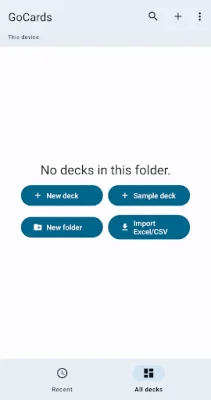
Latest Version
October 31, 2025
Learning, studying and memorizing
Education
Android
0
Free
pl.gocards
Report a Problem
More About GoCards: Flashcards & Anki
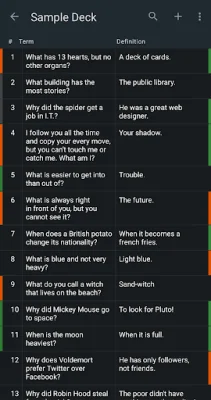
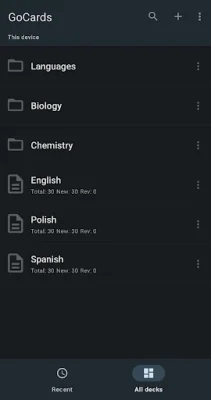
Easily manage your flashcards with GoCards, a user-friendly application that allows you to edit and organize your flashcards in Excel and save them to popular cloud services like OneDrive, Dropbox, and Google Drive. With GoCards, you can easily make changes to your flashcards and have them automatically synced across all your devices.
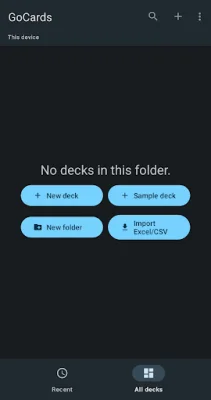
One of the key features of GoCards is its ability to import and export flashcards to and from CSV and Excel spreadsheets. This makes it easy to transfer your flashcards between different devices or share them with others. You can also edit your flashcards in an interactive way, using drag-and-drop to reorder them or swiping to remove them.
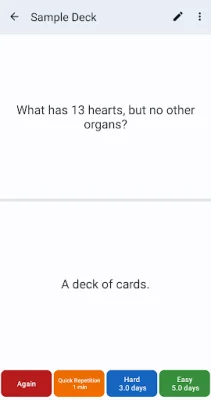
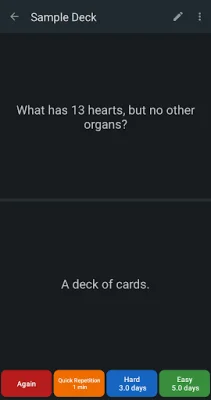
The study interface of GoCards is designed to be intuitive and user-friendly. You can easily navigate through your flashcards by swiping, adjust the font size by zooming, and customize the term-to-definition display ratio using a simple slider. There are no complex settings to worry about, making it easy for you to focus on studying.
GoCards also offers advanced features such as the ability to use HTML tags, including bold, images, and URLs, in your flashcards. This allows you to create more visually appealing and interactive flashcards. Additionally, you can embed YouTube videos in your flashcards, making your study sessions more engaging and dynamic.
One of the best things about GoCards is that it is completely ad-free. This means you can study without any distractions or interruptions. And if you encounter any issues or have suggestions for new features, you can easily contact the GoCards team at [email protected]. They are always open to feedback and strive to make the app better for its users. So why wait? Try GoCards now and take your flashcard studying to the next level!
Rate the App











Popular Apps









