

Handcent Anywhere
1.8.1 by Handcent (0 Reviews) October 21, 2024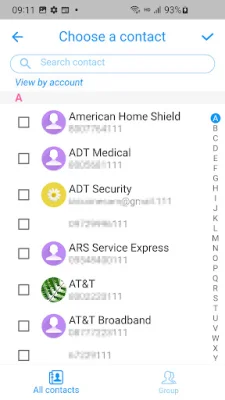
Latest Version
1.8.1
October 21, 2024
Handcent
Communication
Android
0
Free
com.handcent.app.anywhere
Report a Problem
More About Handcent Anywhere
Handcent Anywhere is a convenient service that allows you to send and receive text messages on your computer or tablet. It is designed to work with the latest version of Handcent Next SMS and provides a stable and seamless texting experience. This means that you can now stay connected even when you don't have access to your cellphone.
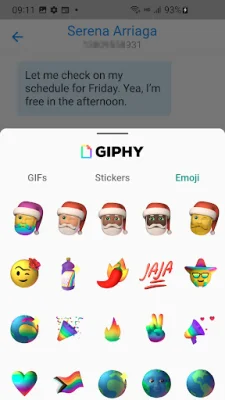
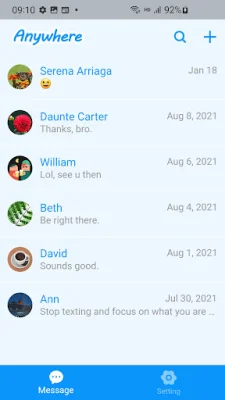
With Handcent Anywhere, you can easily sync your cellphone with your computer or tablet, allowing you to view message status and history on all your devices. This makes it a great companion tool for both home and office settings. Plus, you can also use it to send and reply to messages from another phone, making it possible to manage multiple numbers on just one device.
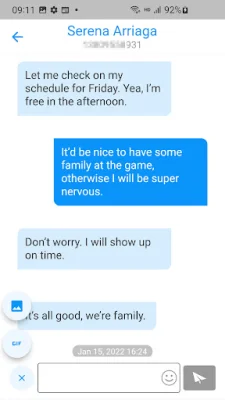
Using Handcent Anywhere is fast, easy, and comprehensive. You can enjoy the same seamless texting experience on all your devices, without being limited by space. The bigger screen and keyboard on your computer or tablet also make texting faster and more efficient. All messages are synced in real-time, so you can stay updated no matter which device you are using.
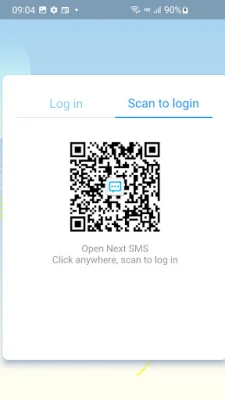
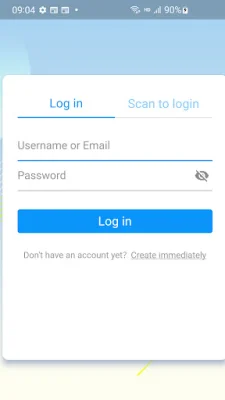
To use Handcent Anywhere, simply enable it on your cellphone and give it a name. You can use multiple cellphones, but only one device can be used at a time. Then, on your Android device, open Handcent Anywhere and select the phone you want to use on the web. Don't forget to upload your contacts to the server to see them in name format.
Handcent Anywhere is available on the web, as well as on iPad and iPhone. For more information, support, or to manage your account, you can visit the Handcent website or send an email to their support team. You can also follow them on social media for updates and news. With Handcent Anywhere, you can stay connected and never miss a message, no matter where you are or what device you are using.
Rate the App















Popular Apps









