
Handwriting Success
by Handwriting Success, LLC (0 Reviews) April 19, 2026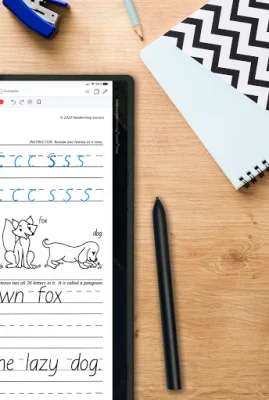
Latest Version
April 19, 2026
Handwriting Success, LLC
Education
Android
0
Free
com.getty_dubay.app_v2
Report a Problem
More About Handwriting Success
The Getty-Dubay® Handwriting Success App is a digital version of the popular Getty-Dubay® handwriting program, designed specifically for Android tablets with a longest width or height dimension of more than 7.25 inches. It requires a stylus with palm-rejection features, and is not suitable for use on phones. However, screen rotation is optional on smaller tablets.
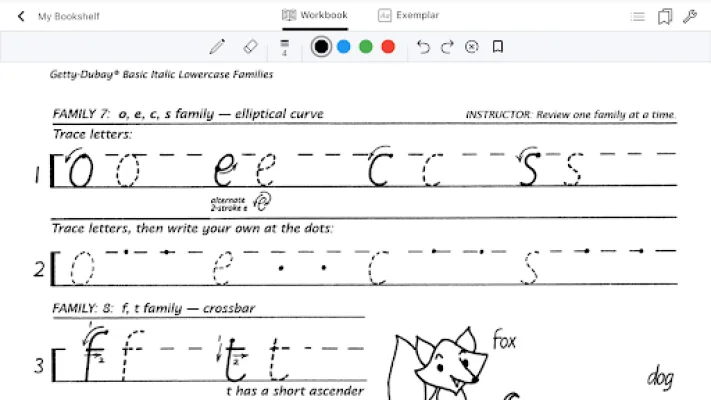
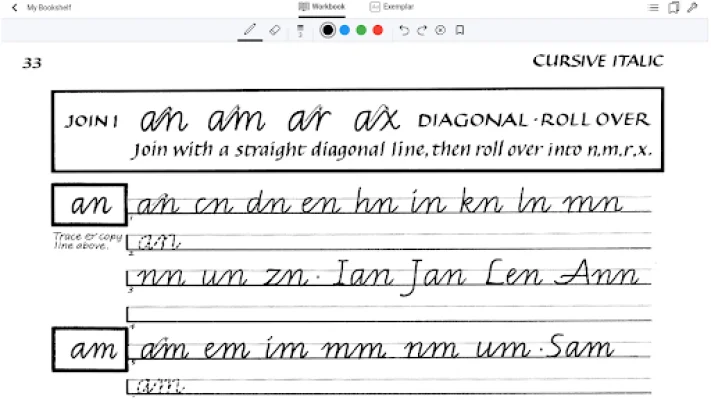
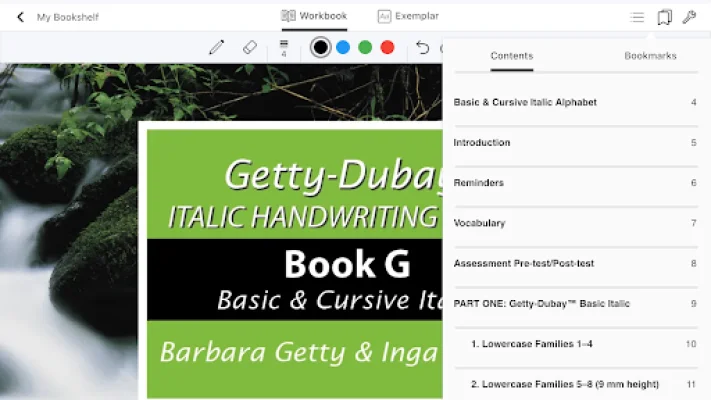
This app brings the handwriting program to your tablet and stylus, with eight workbooks and over 50 pages of instruction and practice. The worksheets can be used repeatedly by digitally erasing previous sessions, allowing for unlimited practice. The app is user-friendly, with features such as page turning, scrolling, navigation, and bookmarking, similar to an ebook.
The real fun begins when you use your stylus on the screen. You can choose the color, width, and opacity of your pen line, and trace and copy handwriting models while reading instructions and tips. The app also allows for easy erasing of work, either by selecting the eraser icon or erasing the entire page at once.
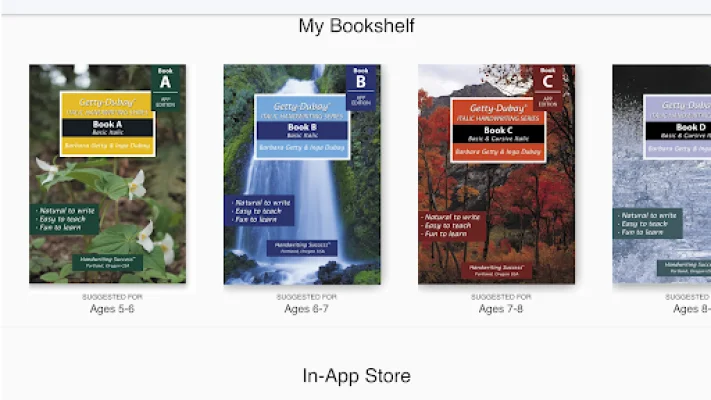
The latest version of the app offers all nine Getty-Dubay® handwriting ebooks through in-app purchase or subscription, with free samples available for users to try before buying. It also includes an improved drawing engine, new screen rotation, and pinch-zoom. Teachers and parents can now incorporate technology into handwriting instruction with seven age-appropriate workbooks and an Instruction Manual, while adults and professionals can use the WRITE NOW ebook to improve their handwriting with a stylus.
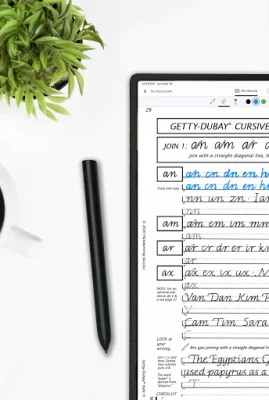
The Getty-Dubay® Italic Handwriting Series ebooks, available on this app as one-year subscriptions, have been used by thousands of adults and students worldwide for over 40 years. The app takes users through the printed italic alphabet, numerals, and joining of letters for legible cursive italic writing. The books are handwritten by the authors themselves, and students can take screenshots of their work to send to their teachers.
This app eliminates the need for paperback workbooks, reducing paper usage and resources. While improvements in handwriting can be seen after a few sessions, consistent practice over time is key. Users are encouraged to try out their new handwriting on whiteboards or with pen and paper for real-life use. The app also provides access to free online resources and has a privacy policy and terms of use for users to review.
Rate the App










Popular Apps









