

Hear Boost: Recording Ear Aid
1.41 by Future Moments (0 Reviews) August 01, 2024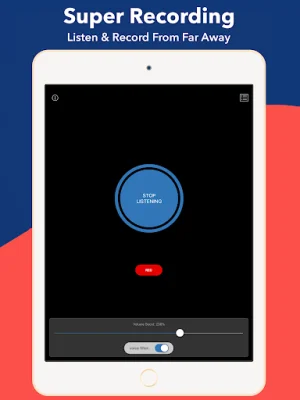
Latest Version
1.41
August 01, 2024
Future Moments
Communication
Android
0
Free
com.audiofix.hearboost
Report a Problem
More About Hear Boost: Recording Ear Aid
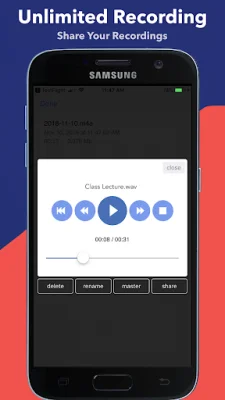
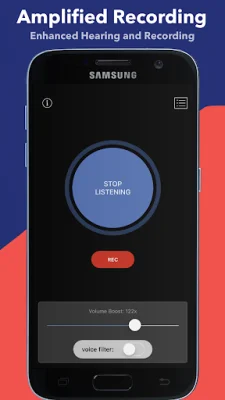
Record as much as your device can hold with Hear Boost, a recording and hearing tool for journalists, students, parents, and anyone looking to enhance their hearing. This app offers unlimited recording in wav or mp3 format, and even has AI transcription capabilities for all your recordings.
To get the best sound quality, start with your device's volume down and slowly increase the microphone gain in the app. Then, gradually raise the volume on your device for a clean sound. The interplay between the two is crucial.
For the sake of your ears, always start with the volume down and gradually increase it as your ears can handle. Keep in mind that this app can get very loud, so please be careful. The ear is a sensitive organ.
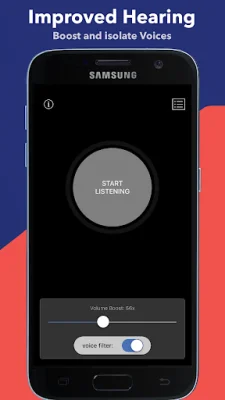
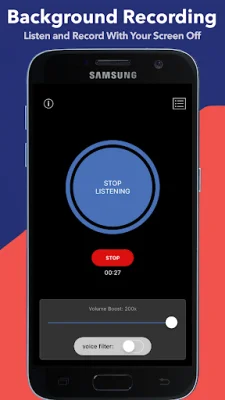
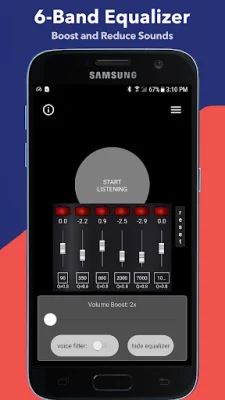
Hear Boost also has a microphone input and voice filter switch, making it the perfect tool for journalists to record interviews, students to record lectures, and the hard of hearing to use as a hearing aid. It can even work in the background with the display off, and there is no limit to recording time.
We recommend using wired headphones for the best experience, as without them, there may be feedback and unpleasant sounds. However, Hear Boost is also Bluetooth compatible, but keep in mind that there may be a delay with this technology.
Some of the many uses for Hear Boost include boosting the volume of your microphone up to 200x, recording sound from far away, recording samples for music, hearing through walls, and one-tap transcription of recordings. It can also be used as a hearing aid, to record class lectures, and to amplify and control the volume of sounds and voices. This free app by Future Moments also offers other apps such as MAIVE - AI Video Generator, AudioFix: For Videos, VideoMaster, AudioMaster, VideoVerb, and AudioVerb.
Rate the App















Popular Apps









