

Hecate - PC Remote Control
1.6.0 by Risefall (0 Reviews) August 06, 2024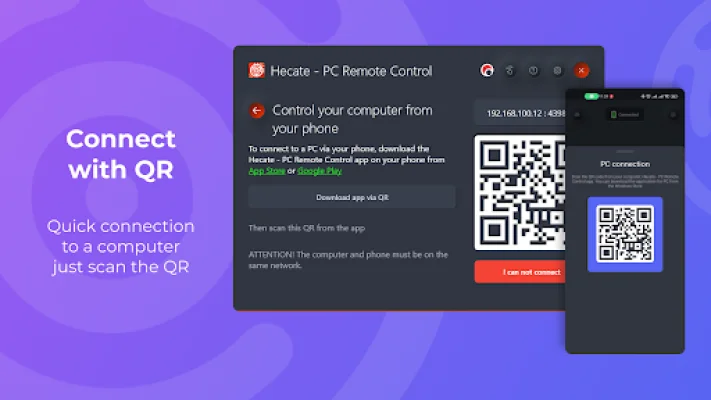
Latest Version
1.6.0
August 06, 2024
Risefall
Tools
Android
0
Free
hecate.risefall.org
Report a Problem
More About Hecate - PC Remote Control
Hecate is a versatile and convenient application that allows you to control your computer from your phone. It offers a variety of features that make it easy to navigate and operate your computer remotely. One of the key features of Hecate is its mouse control function, which allows you to use your phone as a touchpad to click and scroll on your computer. Additionally, you can type text on your phone and have it instantly appear on your computer's screen.
Another useful feature of Hecate is its ability to launch applications from the taskbar on your computer. This means you can easily access and open your pinned applications without having to physically be at your computer. Hecate also allows you to control the volume and media playback on your computer from your phone, making it a convenient tool for managing your computer's audio.
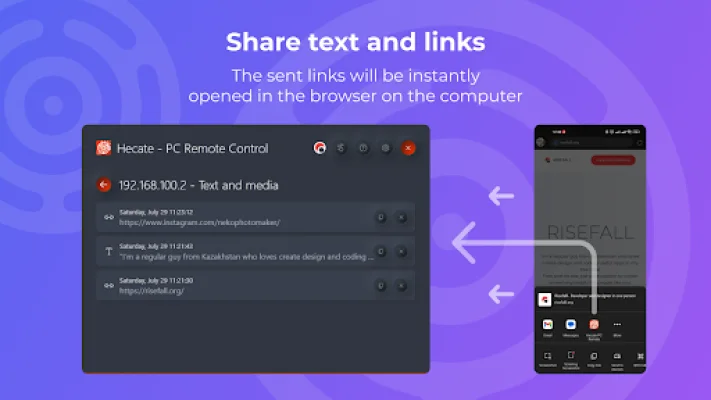
Hecate also offers the ability to send links and text from your phone to your computer. This is especially useful for quickly transferring information or opening a webpage on your computer without having to manually type in the URL. The app also keeps a record of all the data you have sent from your phone to your computer, making it easy to access later.
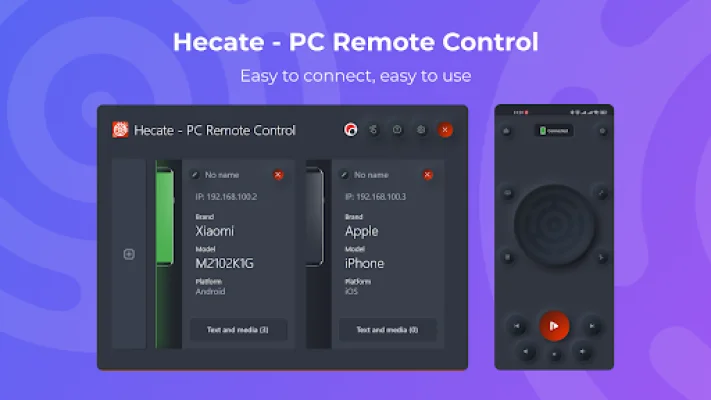
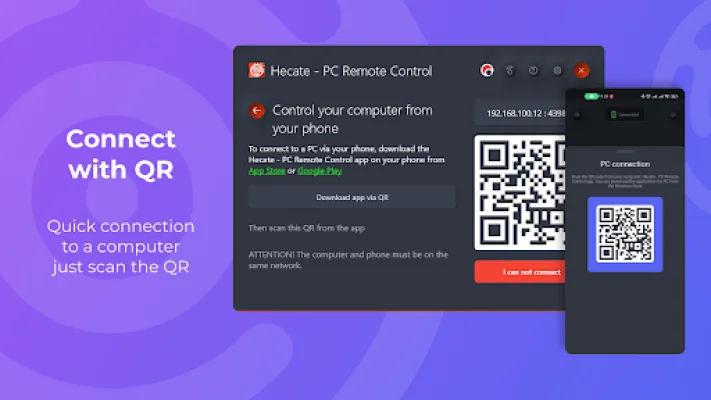
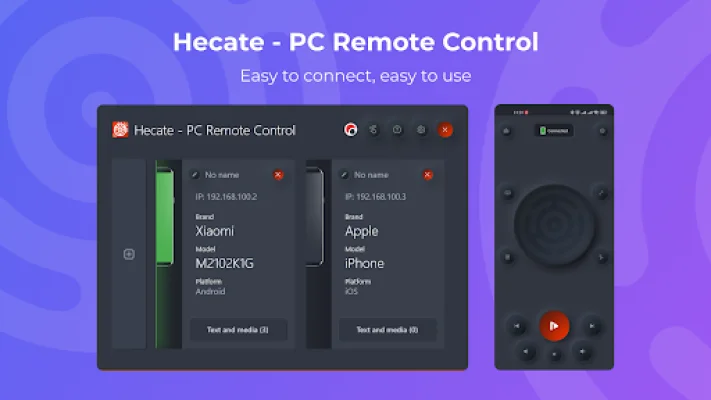
In addition, Hecate allows you to connect multiple devices to your computer, so you can control your PC from multiple phones if needed. However, it is important to note that both your phone and computer must be connected to the same network in order to use Hecate.
Overall, Hecate - PC Remote Control is a convenient and user-friendly app that offers a range of features to make controlling your computer from your phone a seamless experience. It is available for download on the Windows Store, making it easily accessible for Windows users. With Hecate, you can easily manage your computer from the palm of your hand.
Rate the App















Popular Apps









