
i-ONE Bank - 기업용
3.2.1 by IBK 기업은행 (0 Reviews) August 03, 2024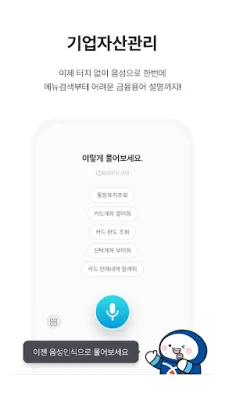
Latest Version
3.2.1
August 03, 2024
IBK 기업은행
Finance
Android
0
Free
com.ibk.scbs
Report a Problem
More About i-ONE Bank - 기업용
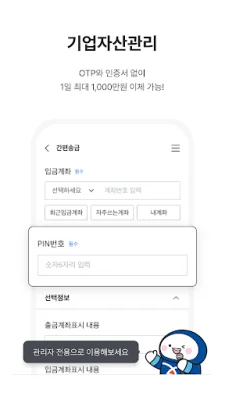
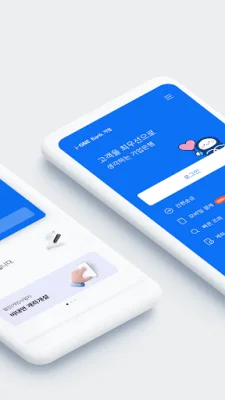
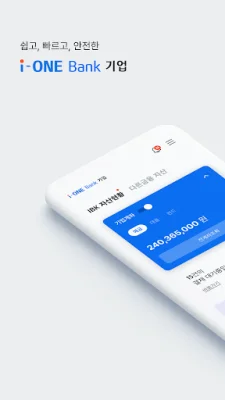
This application has undergone major changes to improve customer convenience. The design has been made more concise and intuitive. The cumbersome user password has been removed, and now transfers can be made with just an OTP and certificate input, without the need for a password. The main screen has been customized for different types of customers, such as corporate representatives, individual business owners, and financial managers.
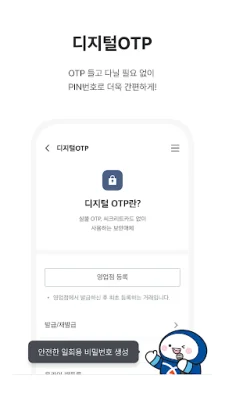
Individual business owners can now use digital OTP without the need for a separate OTP generator. The i-ONE Bank corporate app can be used for OTP authentication. Additionally, complex foreign exchange transactions can now be easily processed with just one QR code scan.
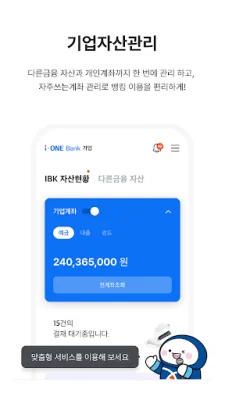
The main services of this application include personalized services for customers, making it easier for them to use. This includes customized designs for different types of customers, a corporate asset management service that allows for a quick overview of a company's assets, and a comprehensive notification service that helps users stay on top of important tasks.
This application also allows for quick and efficient transactions without the need to visit a physical branch. This includes services such as non-face-to-face loans for individual business owners, foreign currency remittances, overseas investments, and import/export transactions. Additionally, individual business owners can also apply for a business credit card through this app.
To ensure the safety of transactions, this app also has a fund control function. This includes a multi-level approval service that separates administrators and users, as well as the ability to set up convenient approval lines through options such as designating a chief executive officer and diversifying approval methods. Users can also control their usage time, including nights and weekends, through the app.
In order to use this app, certain access permissions are required. These include access to device information for easy transfers and the use of the IBK corporate asset management service. Optional access permissions include access to storage for saving and loading certificates and temporary photos for identification, access to the camera for taking photos of identification and scanning QR codes, access to contacts for sending SMS messages after transactions, and access to the microphone for voice navigation and searching financial terms.
Please note that this app is only compatible with Android 6.0 or higher. Users with older operating systems will not be able to grant optional access permissions. It is recommended to upgrade to Android 6.0 or higher for full access to the app's features. Additionally, even after upgrading, users will need to delete and reinstall the app in order to change access permissions.
For customers who currently use the simple internet banking service, please note that this app is not available for simple banking transactions. To use the i-ONE Bank corporate app, please cancel your simple banking service and sign up for the electronic financial service for corporations. For more information, please contact customer service during business hours.
Rate the App














Popular Apps









