
i-ONE Bank Global
2.2.9 by IBK 기업은행 (0 Reviews) August 04, 2024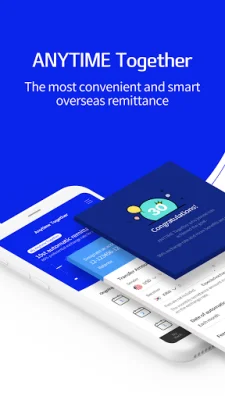
Latest Version
2.2.9
August 04, 2024
IBK 기업은행
Finance
Android
0
Free
com.ibk.neobanking.mini
Report a Problem
More About i-ONE Bank Global
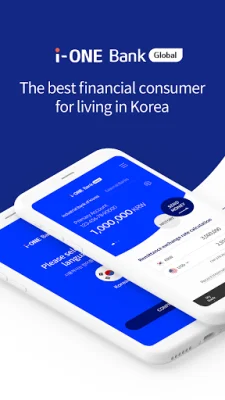
This app is designed for foreign expats living in Korea to make their banking experience easier and faster. It offers a variety of services in 15 different languages from 17 countries, including Korean. With the use of a mobile certificate and a 6-digit PIN, users can easily and securely conduct transactions. The app also allows for online account opening and documentation for electronic finance services, making the application process at IBK branches quicker and more convenient.
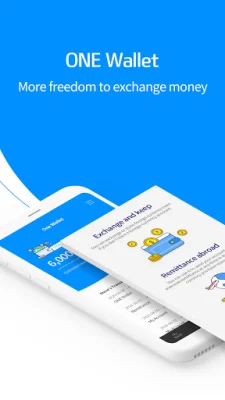
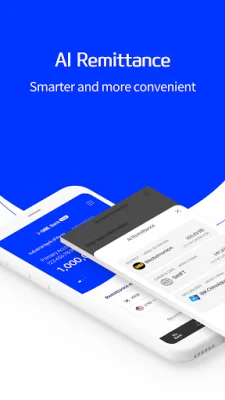
The app also offers specialized services such as AI overseas remittance, which suggests the fastest and cheapest remittance methods based on the user's chosen country and amount. It also has an electronic wallet called ONE Wallet, which allows for pre-purchasing of foreign currencies for remittances and exchanges. Another unique feature is ANYTIME Together, a joint remittance service that offers additional benefits for inviting friends to remit money overseas together.
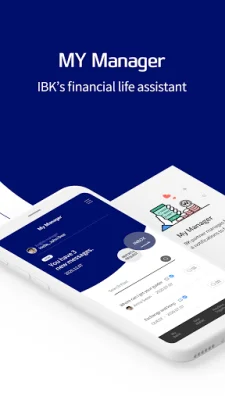
For any questions or concerns related to banking services, the app has a digital Q&A service called My Manager. However, it is important to note that for security purposes, the app may restrict services if the operating system has been manipulated in an unjustifiable manner, such as rooting. In this case, the user must reset their device to factory settings at a manufacturer's customer service center before using the app.
The app also provides a guide for app permissions, with required access rights including phone access for device information and optional access rights such as access to the address book for sending SMS remittances or transfers. Other optional access rights include camera access for taking ID cards and recognizing QR codes, storage space for storing certificates and temporary photos, and location access for finding a branch. The app only requests the minimum access rights for smooth usage, and users can still use the app even if they do not agree to the optional access rights, although some functions may be restricted.
To change access rights, users can go to their phone settings, select app management, and then choose i-ONE Bank Global and permissions. It is important to note that app access rights are divided into essential and optional rights for Android OS 6.0 or higher. If the user's OS version is lower than 6.0, they cannot selectively grant permission, so it is recommended to check if the OS can be upgraded and upgrade if possible. Even after upgrading the OS, the access rights agreed to by the app will not change, so the user must delete and reinstall the app to set access rights normally.
Rate the App















Popular Apps









