

Ibank mToken
by Investbank AD (0 Reviews) November 13, 2025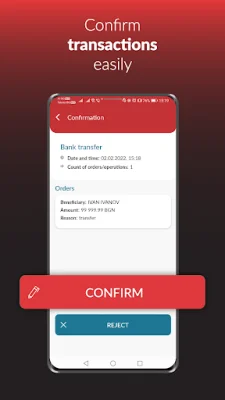
Latest Version
November 13, 2025
Investbank AD
Finance
Android
0
Free
com.bstechnologies.ibankmtoken
Report a Problem
More About Ibank mToken
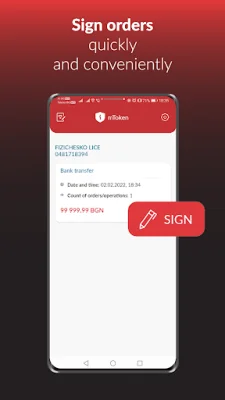
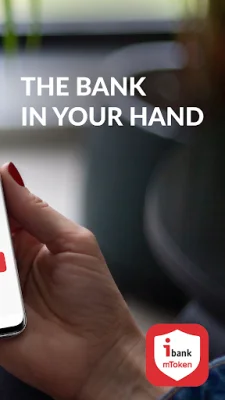
Investbank AD offers a convenient and secure way to manage your finances through their remote banking systems. With the Ibank mToken application, you can easily sign orders for all types of payments offered by the bank. This includes registering for Ibank Mobile, requesting a new online deposit, sending personal messages to the bank, and performing other active operations.
The application has two modes of operation: online and offline. In the online mode, you will receive a notification for any transactions that require your signature. In the offline mode, you can still sign orders even without an internet connection. The application will generate a code that you can enter in the "One-time password" field in your internet banking to complete the transaction.
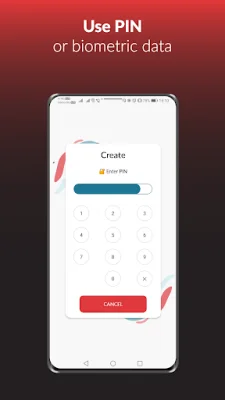
For added security, the application can be accessed using a login PIN or biometric data if your device supports it. It works seamlessly with Ibank Mobile, making the process of signing payment orders even easier, faster, and more convenient. And if you have both a personal and company account with Investbank AD, you can use Ibank mToken to sign orders for both accounts.
To start using the mobile token, individuals can simply sign up through the Internet banking system. However, for legal entities, the application must be submitted and approved in person at the bank's office, following their current rules and regulations.
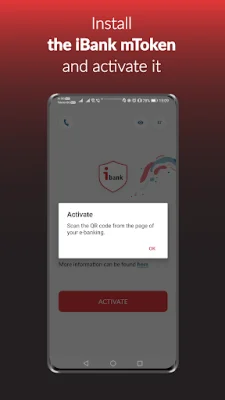
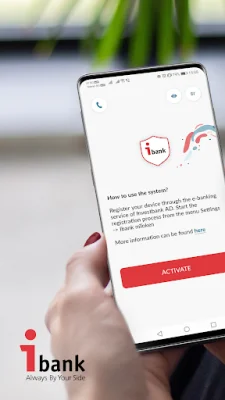
Installing and pairing the application is a simple process. After downloading and installing Ibank mToken on your device, you can generate a QR code from the "Settings" menu in your Internet banking system. This will pair the application with your account and register your device for easy and secure access. With Ibank mToken, managing your finances has never been easier.
Rate the App












Popular Apps









