

iCall Screen: Phone App OS 17
4.19.5.9 by iAndroidapps (0 Reviews) August 10, 2024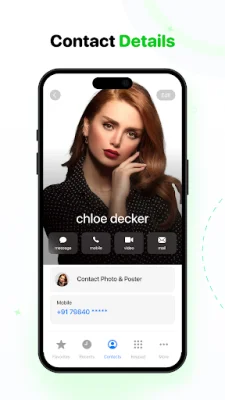
Latest Version
4.19.5.9
August 10, 2024
iAndroidapps
Communication
Android
0
Free
com.ios.callscreen.icalldialer
Report a Problem
More About iCall Screen: Phone App OS 17
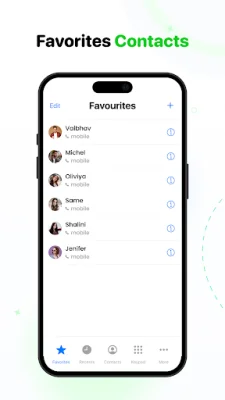
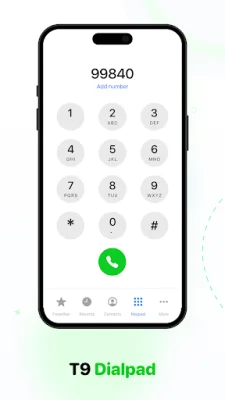
This application is designed to make calling easier and more efficient. It features a clean and intuitive dial pad for effortless number dialing. As you type, the app instantly finds contacts, saving time and making the dialing process faster. You can also mark and access your most frequently contacted people for quick and convenient dialing. Additionally, the app allows you to easily manage and block unwanted numbers.
One of the key features of this app is the speed dial function, which allows you to assign quick access to your favorite contacts or phone numbers. This is especially useful for regularly dialed numbers, emergency calls, and business connections, as it saves time and effort compared to manually inputting digits every time.
The app also has a feature that lets you keep a list of unwanted or unknown numbers, such as telemarketers or scammers, so you can easily avoid them.
For quick responses, the app offers pre-set or personalized responses that you can use when you are unable to take a call. It also has a flash on call feature that provides a visual indication of incoming calls, even when your phone is on silent or vibrate mode.
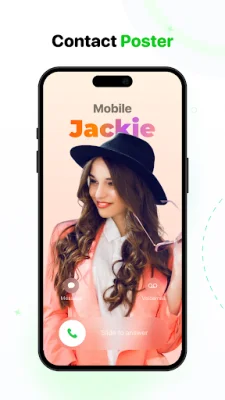
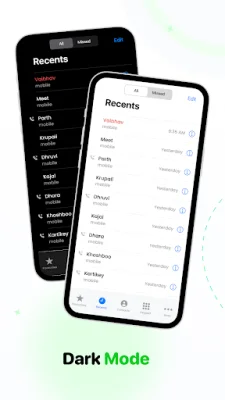
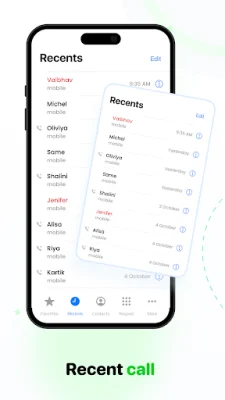
Other features include the ability to personalize your call screen with unique wallpapers, set LED flash alerts for incoming calls, access a detailed call history, and set up conference calls. The app also allows you to split calls, control conference calls, and combine multiple calls. Additionally, it has a fake call feature for getting out of awkward situations or for entertainment purposes.
The app also prioritizes privacy and security, ensuring that all user data is handled with care and not shared with third parties. With its advanced dialer keypad, users can easily search, manage, and remove contacts from favorites, as well as view contact details and perform T9 searches. Overall, this app aims to provide a smooth and convenient calling experience for its users.
Rate the App















Popular Apps









