

iCareFone for LINE Transfer
1.1.11 by TENORSHARE (0 Reviews) November 01, 2024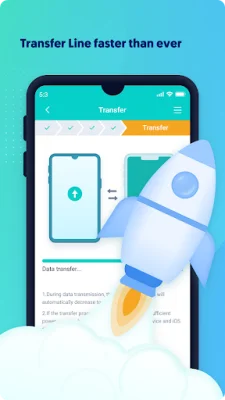
Latest Version
1.1.11
November 01, 2024
TENORSHARE
Tools
Android
0
Free
com.tenorshare.transfer.line
Report a Problem
More About iCareFone for LINE Transfer
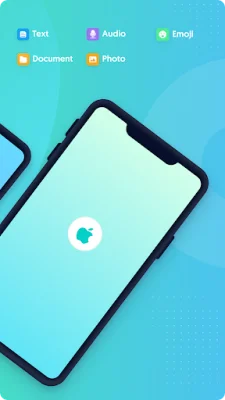
The iCareFone for LINE app is a convenient and efficient tool for transferring LINE data from an Android device to an iPhone. It eliminates the need for a computer and offers a simple and straightforward process for transferring data. The app supports various data types, including chat messages, pictures, documents, audio, and emojis, ensuring that all important data is transferred successfully. With a high success rate and no data loss, users can trust that their LINE data will be safely transferred to their new device.
One of the key features of iCareFone for LINE is its compatibility with a wide range of Android devices and brands, such as Samsung, Huawei, Xiaomi, Oppo, and more. It also supports all Android versions from 5.0 to 12, as well as all iOS versions from 10 to 15.4. This makes it a versatile and reliable option for users with different devices and operating systems.
The app also offers support for multiple languages, including English, Japanese, Thai, Indonesian, Korean, Simplified Chinese, and Traditional Chinese. This ensures that users from different regions can easily use the app to transfer their LINE data without any language barriers.
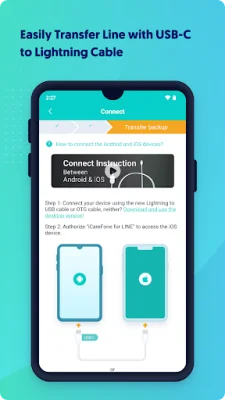
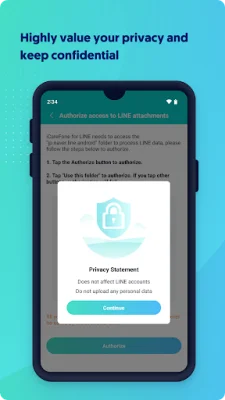
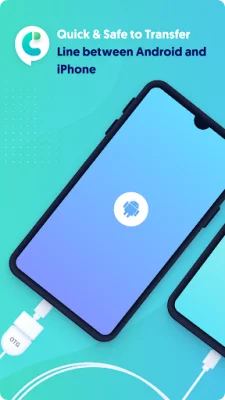
To use iCareFone for LINE, users simply need to install the app on their device and connect their Android and iPhone devices using a USB OTG cable. From there, they can easily transfer all their LINE data with just a few clicks. The app promises 100% privacy and data security, ensuring that no personal data is captured during the transfer process.
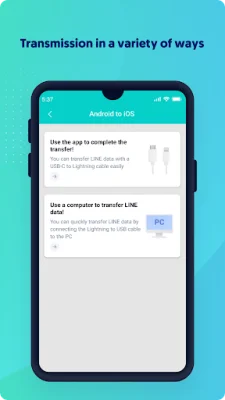
For those who prefer a desktop version, iCareFone for LINE also offers a website where users can download the app and transfer their LINE data from their computer. With its user-friendly interface and reliable data transfer capabilities, iCareFone for LINE is a top choice for anyone looking to switch from an Android device to an iPhone without losing their important LINE data.
Rate the App








Popular Apps









