
Minecraft Education
1.21.03.0 by Mojang (0 Reviews) July 29, 2024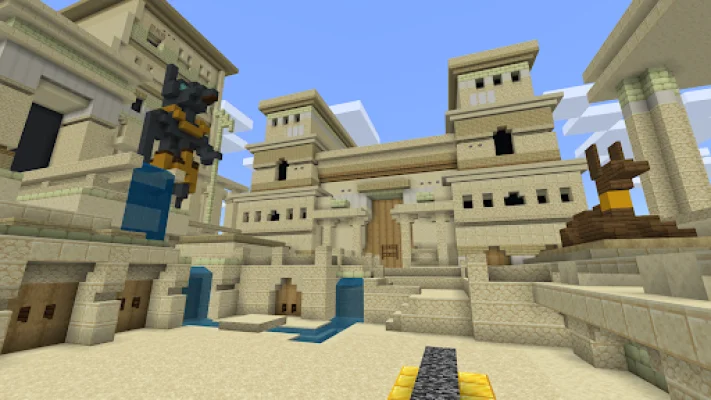
Latest Version
1.21.03.0
July 29, 2024
Mojang
Education
Android
0
Free
com.mojang.minecraftedu
Report a Problem
More About Minecraft Education
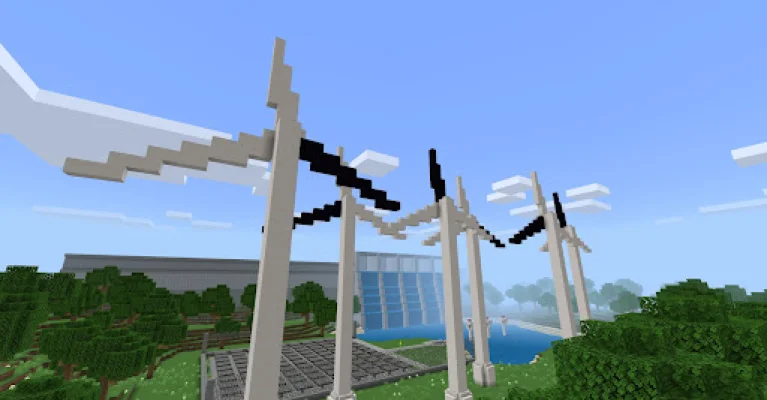
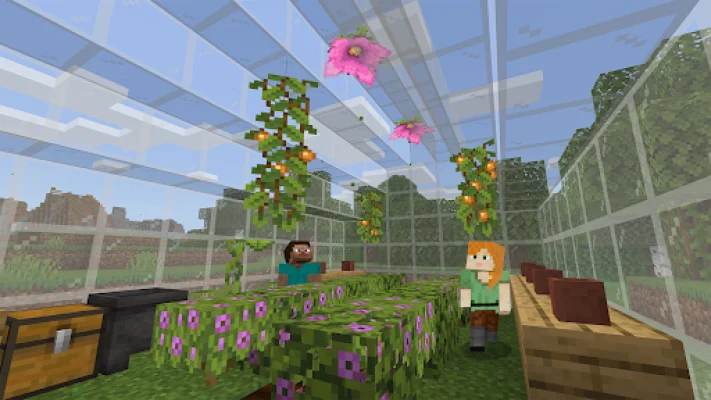
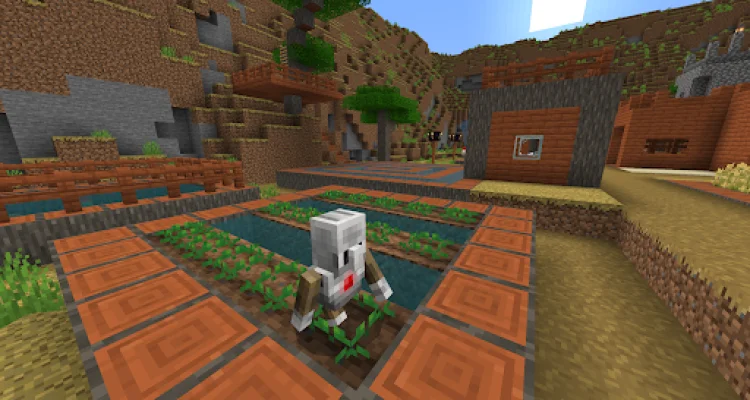
Minecraft Education is a game-based platform that promotes creative and inclusive learning through play. It offers a unique and engaging way for students to explore various subjects and challenges in blocky worlds. With lessons and curriculum designed for all types of learners, students can dive into subjects like reading, math, history, and coding.
One of the key features of Minecraft Education is its versatility. With hundreds of ready-to-teach lessons, creative challenges, and blank canvas worlds, teachers can customize the platform to fit their students' needs. And the best part? No gaming experience is necessary, making it accessible for all.
Not only does Minecraft Education offer a fun and interactive learning experience, but it also prepares students for the future. By developing skills such as problem-solving, collaboration, digital citizenship, and critical thinking, students are equipped to thrive in the workplace. The platform also sparks a passion for STEM subjects, encouraging students to engage with real-world topics.
Through partnerships with organizations like BBC Earth, NASA, and the Nobel Peace Center, Minecraft Education offers immersive content that promotes creativity and deep learning. Students can explore culturally relevant lessons and build challenges, making the learning experience even more engaging.
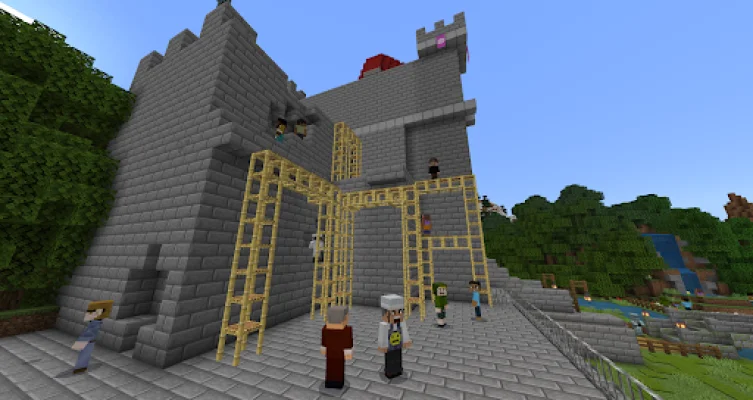
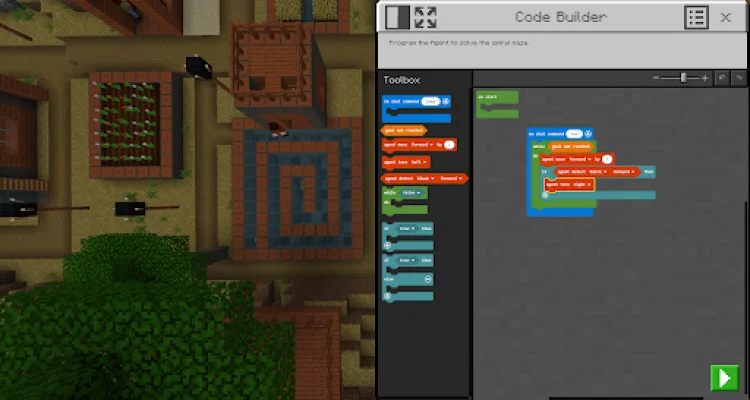
In addition to its educational features, Minecraft Education also offers practical tools for teachers. The multiplayer mode allows for collaboration across platforms, devices, and hybrid environments. The Code Builder feature supports block-based coding, JavaScript, and Python, with an intuitive interface and in-game execution. The Immersive Reader helps players read and translate text, while the Camera and Book & Quill items allow for documentation and export of in-game creations. Integration with Microsoft Teams and Flipgrid also supports assessment and teacher controls.
To access Minecraft Education, a license can be purchased with Admin access to a Microsoft 365 Admin Center account. This can be obtained through a Tech Lead, who can provide information on academic licensing. It's important to note that the terms and conditions presented at the time of purchase apply to the download. For more information on privacy, users can refer to the privacy policy at https://aka.ms/privacy.
Rate the App









Popular Apps









