
Minecraft Education Preview
1.21.01.0 by Mojang (0 Reviews) July 29, 2024
Latest Version
1.21.01.0
July 29, 2024
Mojang
Education
Android
0
Free
com.mojang.minecraftedu_preview
Report a Problem
More About Minecraft Education Preview
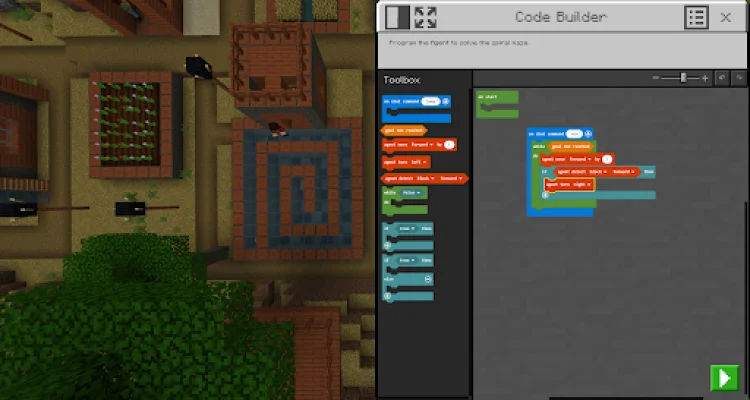
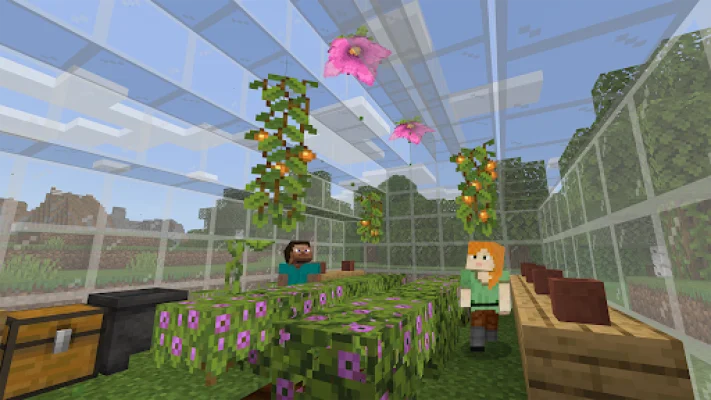
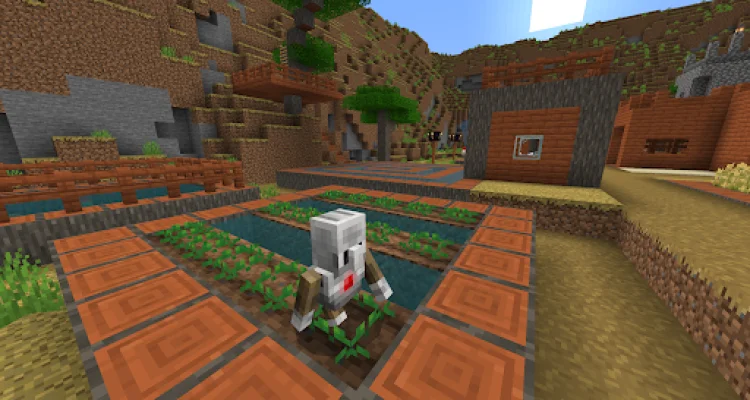
Minecraft Education Preview is an exciting opportunity for players to get a sneak peek at upcoming features in the popular game, Minecraft. Developed by Mojang Studios, this preview version allows players to experience new content before it is officially released. However, there are a few important things to note before diving into the world of Minecraft Education Preview.
Firstly, it's important to know that this preview version is separate from the retail version of Minecraft Education. This means that you will not be able to join games with players who are using the retail version. Additionally, most settings from the retail version will not carry over to the preview version. This is because the preview version is still in development and may have different settings and features.
It's also important to keep in mind that any worlds played in the preview version will not transfer to the retail version. This is because the preview version is not the final version and may have changes or updates that could affect the worlds. However, lessons from the Library will still work in the preview version, allowing players to continue their educational experience.
It's worth noting that preview builds may be unstable and do not represent the final quality of the game. This is because the preview version is still in development and may have bugs or glitches that need to be fixed before the final release. Players should keep this in mind when playing the preview version and report any issues they encounter to the development team.
If you are interested in purchasing a Minecraft Education license, you will need to have Admin access to a Microsoft 365 Admin Center account. This can be obtained by speaking to your Tech Lead and obtaining information on academic licensing. It's important to have the proper licensing in order to access and use the preview version of Minecraft Education.
Lastly, it's important to review the terms of use for Minecraft Education Preview. These terms are the same as the ones presented when purchasing a Minecraft Education subscription. Additionally, players should also review the privacy policy, which can be found at https://aka.ms/privacy. It's important to be aware of these policies and understand how your information may be used while using the preview version of Minecraft Education.
Rate the App









Popular Apps









