

ML Manager Pro: APK Extractor
5.0 by Javier Santos V (0 Reviews) November 18, 2025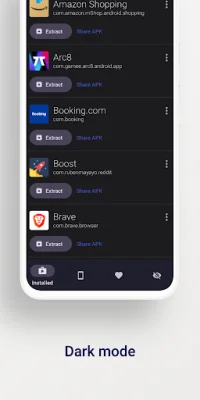


Latest Version
5.0
November 18, 2025
Javier Santos V
Tools
Android
0
$2.99
com.javiersantos.mlmanagerpro
Report a Problem
More About ML Manager Pro: APK Extractor
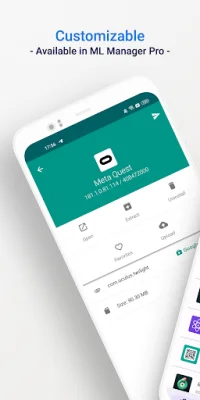
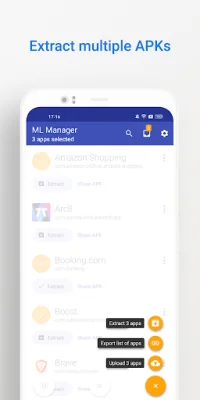
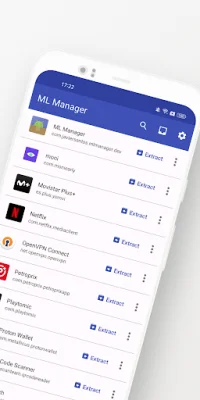
Meet the easiest app manager and extractor with Material Design on Android. This app allows you to extract any installed or system apps and save them as APK files. You can also use batch mode to extract multiple APKs at the same time. ML Manager also allows you to share APKs with other apps like Telegram, Dropbox, and Email. You can organize your apps by marking them as favorites for easier access. Plus, you can upload your latest APKs to APKMirror. The best part? No root access is required. If you need even more features, you can upgrade to the Pro version with root access. This allows you to uninstall system apps, hide apps from the device launcher, and clear cache and data for any app. You can also enable the new and elegant compact mode, and continue to extract APKs in the background while using other apps. But what are others saying about ML Manager? According to AndroidPolice, "ML Manager makes extracting APKs from your device easy." PhoneArena praises its combination of basic, essential features and a Material-inspired user interface, calling it "something to look out for." Xataka Android states that "ML Manager is the easiest way to extract and share APKs." And HDBlog recommends it as a simple, beautiful, and optimized app with all the necessary features. So if you're looking for an app manager and extractor that is both user-friendly and efficient, give ML Manager a try.
Rate the App















Popular Apps









