Mobile to PC File Transfer
11.4 by Deskshare, Inc (0 Reviews) August 21, 2024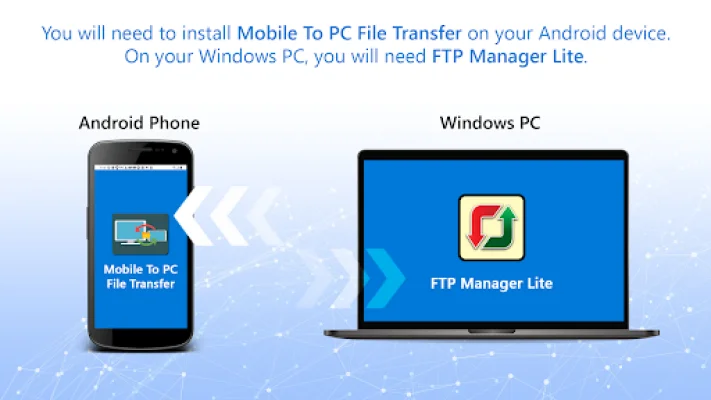
Latest Version
11.4
August 21, 2024
Deskshare, Inc
Tools
Android
0
Free
deskshare.com.pctomobiletransfer
Report a Problem
More About Mobile to PC File Transfer
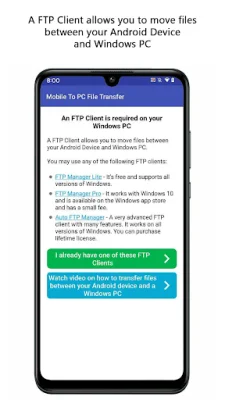
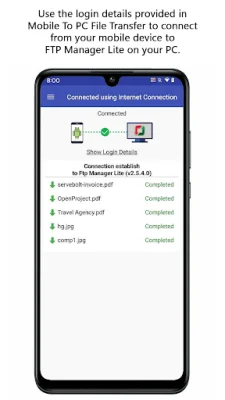
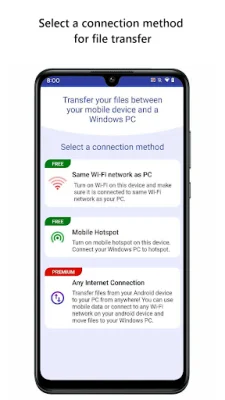
This application is a convenient and reliable way to transfer files between your Windows PC and multiple mobile devices. It utilizes the FTP Manager Pro software on your PC to facilitate the transfer process. To use this application, your mobile device and PC must be connected to the same Wi-Fi network. If you are not on a local Wi-Fi network, you can still transfer files using your mobile data, but the speed of the transfer will depend on your internet speed.
To see how easy it is to set up, you can watch a video tutorial. Some key features of this application include the ability to access all data stored on your phone, tablet, or SD card, as well as the ability to create, move, and delete files from your PC without the need for a USB cable. You can transfer various types of files, such as photos, videos, music, and more. Additionally, you can create multiple connection profiles and set a password to prevent unauthorized access.
If you encounter any issues with PC to Mobile Transfer, you can refer to the support forum for assistance. To use this application, we require certain user permissions. For Android 10 and below, we ask for permission to write to internal storage in order to send and store files. For Android 11, we require all files access to find and transfer files, as well as store any received files.
To stay updated and connected with us, you can like our Facebook page or visit our website. If you need to contact us for technical support, you can do so through our website. We strive to provide an original and SEO-oriented experience for our users.
Rate the App















Popular Apps









