

MultiSpace
by grainsmini (0 Reviews) May 09, 2026

Latest Version
May 09, 2026
grainsmini
Tools
Android
0
Free
com.multispace.app
Report a Problem
More About MultiSpace
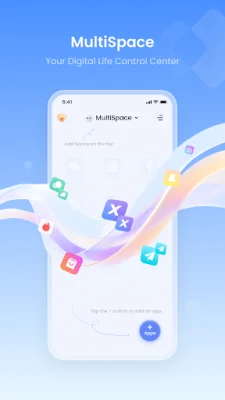
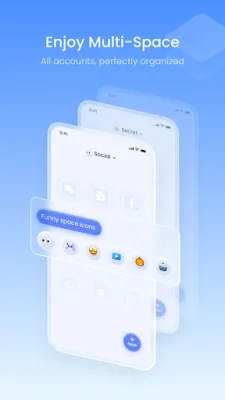
MultiSpace is an innovative application that offers professional sandbox and multi-account support for your virtual environment. It goes beyond simple cloning by providing an integrated Sandbox File Manager that allows you to organize app databases, document caches, and data files within an isolated space. This ensures that your professional and personal data are stored and separated correctly.
Powered by the proprietary "Multi-Space" technology, MultiSpace creates a secure runtime for each cloned app. This ensures connectivity and real-time synchronization by utilizing Foreground Services as a necessary bridge between the system and the sandbox. This prevents the OS from interrupting critical tasks, such as messaging sync or active VoIP calls, ensuring 100% stability.
With MultiSpace, deploying apps into the sandbox is as easy as a click of a button. The "One-Click Import" feature allows you to quickly and securely deploy apps into the isolated environment. This helps keep your device desktop clean while managing digital identities separately.
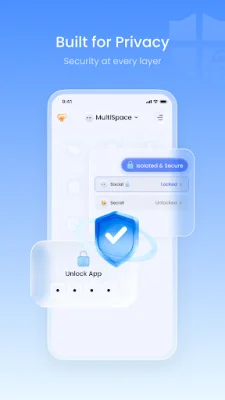
Privacy is a top priority for MultiSpace. The app comes equipped with a built-in App Lock that allows you to password-protect your cloned space. Additionally, MultiSpace only requests necessary permissions, such as All-File Access, to manage virtual data files. The app also promises to never collect, store, or share your personal data, ensuring all operations are local and user-initiated.
For those looking for advanced features, MultiSpace Pro offers unlimited parallel seats and enhanced sandbox privileges for file management and priority synchronization. However, it is important to note that MultiSpace requires specific Foreground Service Permissions to provide a functional virtual environment. These permissions act as a Surrogate Host to maintain features for apps running inside the sandbox, such as maintaining the virtual runtime and providing necessary hardware-links for cloned apps. MultiSpace is transparent about these permissions and provides a persistent, interactive notification in the status bar to serve as a real-time indicator of the active hardware-link. This allows users to monitor tasks and return to their sandboxed apps instantly.
Rate the App














Popular Apps









