

myMail: for Outlook & Yahoo
14.118.0.76804 by MGL MY.COM (CYPRUS) LIMITED (0 Reviews) July 24, 2024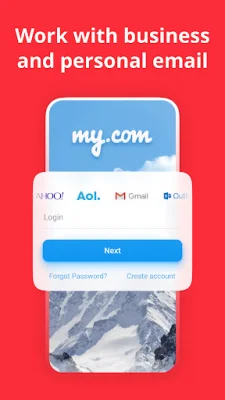
Latest Version
14.118.0.76804
July 24, 2024
MGL MY.COM (CYPRUS) LIMITED
Communication
Android
0
Free
com.my.mail
Report a Problem
More About myMail: for Outlook & Yahoo
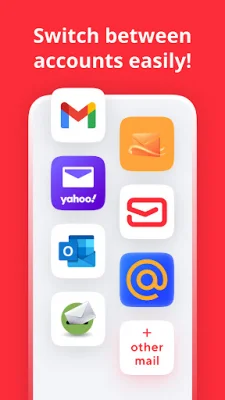
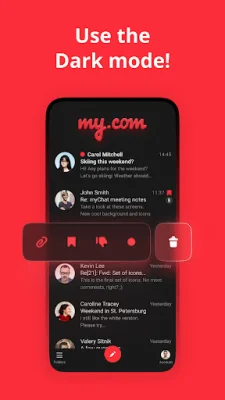
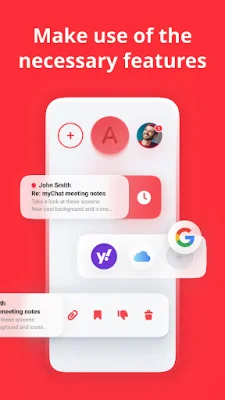
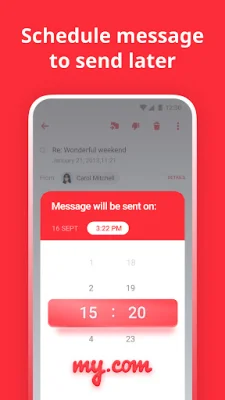
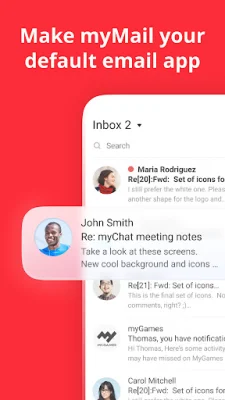
myMail is an application that allows you to manage all of your email accounts in one secure place. It is a mail drop app that makes it quick, convenient, and mobile-friendly to exchange emails with different clients. With myMail, you can preview, read, reply to, and forward messages, as well as add and view attachments. All you need to do is sign in with your login and password, and the app is ready to use. This mail app is designed for all of your accounts. It automatically sets up IMAP, POP, and SMTP settings for most host domains and email clients, including Yahoo, Hotmail, Gmail, Edison, Outlook, iCloud, Thunderbird, Webmail, and Fastmail. It also supports corporate servers like Lotus Notes and Microsoft Exchange, as long as IMAP and SMTP are enabled. Some key features of myMail include real-time push notifications for all of your email accounts, easy navigation through your mailbox with menu icons and contact avatars, and the ability to search through local and server contacts. You can also browse and attach files directly from the app, create a unique signature, and keep your mailbox organized by flagging, deleting, or moving messages. For even more exclusive features, you can sign up for a new email address at my.com. This will allow you to add, delete, label, and manage folders in your mailbox, create filters to organize your messages, and activate a dark theme for working at night. Security is a top priority for myMail. The app uses OAuth authentication to sign in to email clients like Yahoo, Hotmail, Google Gmail, Edison email, Outlook, iCloud, Thunderbird, Webmail, Exchange, and Fastmail. This means that it does not request users' credentials, but instead accesses data directly from Microsoft and Google websites for a secure login. While the EWS protocol is not currently supported, there may be updates in the future. If you experience any sign-in issues, you can contact [email protected] with details about your email address and client settings, and they will work to resolve the issue. To stay updated on upcoming updates and features, you can follow myMail on Facebook at www.facebook.com/mymail.official.
Rate the App













Popular Apps









