
Navigation Bar for Android
by Wormhole Space (0 Reviews) September 21, 2024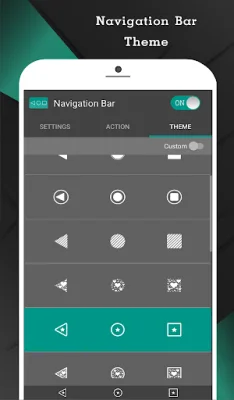
Latest Version
September 21, 2024
Wormhole Space
Tools
Android
0
Free
nu.nav.bar
Report a Problem
More About Navigation Bar for Android
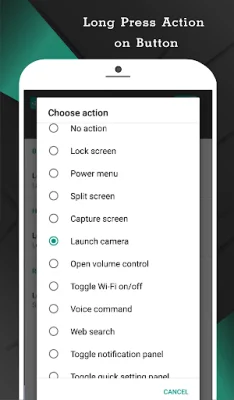
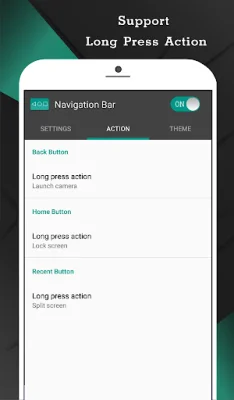
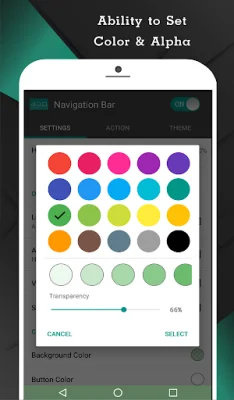
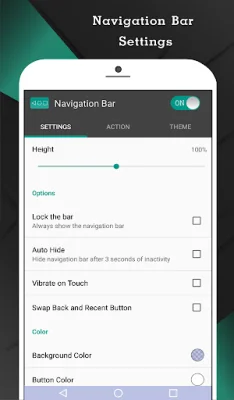
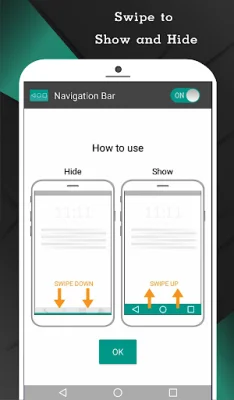
This application is designed to help users who are having trouble using buttons or navigating through the navigation bar panel on their device. It offers a variety of features and colors to customize the navigation bar and make it more functional. Users can easily swipe up and down on the navigation bar, similar to an assistive touch feature, to show or hide it. One of the key features of this app is the ability to auto hide the navigation bar for a user-selected duration. This can help free up screen space and prevent accidental clicks. Users can also swap the position of the back and recent buttons, and set single press actions for home, back, and recent buttons. Long press actions are also available for these buttons, with a variety of options such as locking the screen, toggling Wi-Fi or Bluetooth, and launching specific apps. The app also allows users to change the background and button colors of the navigation bar, as well as adjust its size and sensitivity. There are 15 themes available to choose from, and users can also switch the navigation bar on or off through a notification or quick settings tile (for Android 7.0+). In order to enable these features, the app requires accessibility service permission. However, the app does not read or collect any sensitive data from the user's screen, and this permission can be disabled if desired. The app also explains the reasons for other permissions it may require, such as access to notifications, Wi-Fi, and Bluetooth. Overall, this app aims to provide a customizable and functional navigation bar for users who may have trouble using the default buttons or navigation panel on their device. The pro version of the app offers additional features such as taking screenshots and launching any app, and can be unlocked within the app itself.
Rate the App















Popular Apps









