

NCB Pay
1.0.0.9 by National Commercial Bank Jamaica Limited (0 Reviews) October 27, 2024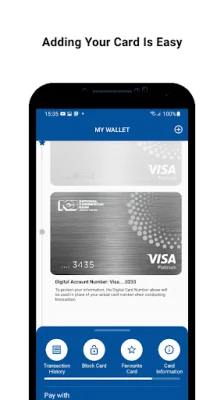

Latest Version
1.0.0.9
October 27, 2024
National Commercial Bank Jamaica Limited
Finance
Android
0
Free
com.jncb.wallet
Report a Problem
More About NCB Pay
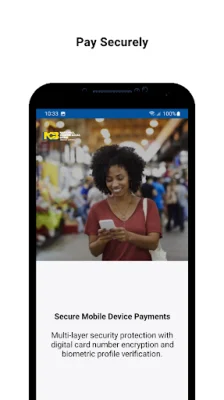
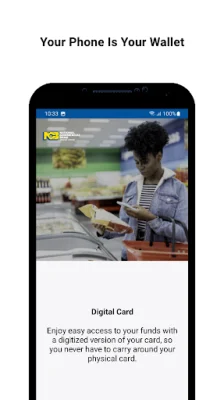
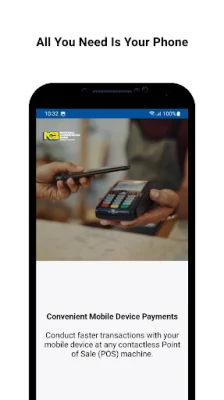
NCB Pay is a convenient and secure digital wallet application that allows users to make virtual payments using select Android smartphones. By linking your existing NCB credit or prepaid card to the NCB Pay wallet, you can easily make contactless payments at any Point-of-sale (POS) terminal worldwide. To ensure compatibility, make sure your mobile device has Near Field Communication (NFC) capabilities and is activated.
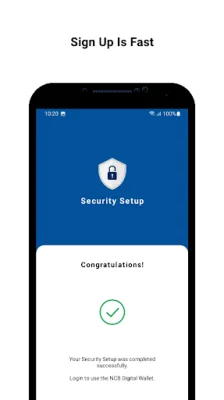
To get started with NCB Pay, first check if your Android device is NFC compatible. Then, simply install and launch the app. You will be prompted to create a four-digit PIN and register with your NCB online banking credentials. If you are not yet registered for online banking, you will receive a one-time password to authenticate your account. Follow the on-screen instructions to add your NCB cards to the wallet and you're all set! With NCB Pay, you can easily make payments with just a tap of your phone.
Using NCB Pay is contactless and hassle-free. Simply tap your Android smartphone at compatible POS terminals or wave your phone within 4-10 cm of the terminal to complete your transaction. It's fast, easy, and most importantly, safe. For more information, you can visit the FAQs section within the app or jncb.com/NCBPay.
It's important to note that NCB Visa Debit and Business credit cards are not yet available on NCB Pay. However, the app is constantly being improved and updated, and user feedback and suggestions are always welcome. So, if you have any thoughts or ideas on how to make NCB Pay even better, please share them with us or leave a review. We value your input and strive to provide the best experience for our users.
Rate the App















Popular Apps









