
NFC Tools Pro
by NAX Tech (0 Reviews) March 30, 2026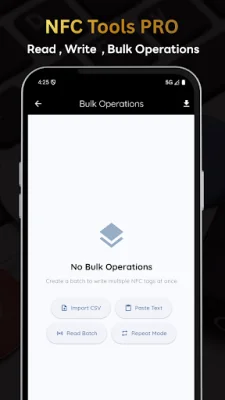
Latest Version
March 30, 2026
NAX Tech
Tools
Android
0
$5.99
com.nax.nfcpro
Report a Problem
More About NFC Tools Pro
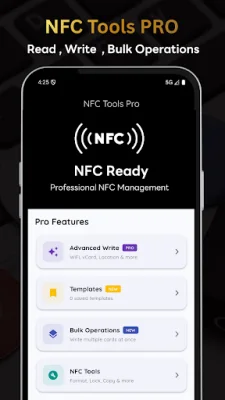
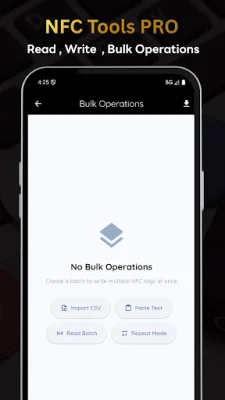
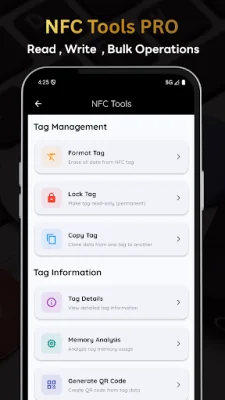
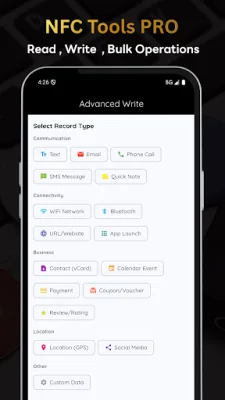
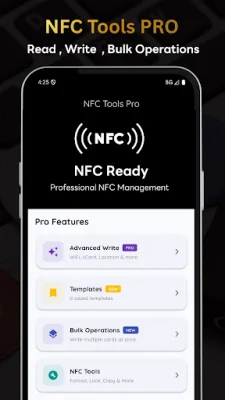
This application, NFC Tools Pro, allows users to turn their Android device into a powerful NFC tag reader and writer. It is designed for professionals, businesses, and enthusiasts who need reliable NFC tag management with advanced features. With this app, users can easily detect and read NFC tags, as well as write various types of data onto them. The key features of NFC Tools Pro include smart reading, advanced writing, bulk operations, statistics and history, data type support, import and export capabilities, and a modern interface. With smart reading, the app can instantly detect and read NFC tags, automatically identify the type of data on the tag, and display it in a formatted preview. Users can also access detailed information about the tag and track its unique identifier (UID). For advanced writing, users can write text, URLs, contacts, and WiFi credentials onto NFC tags. The app also offers a quick write mode for single tags and bulk write operations for multiple tags. Users can even customize the data formatting with variables. The bulk operations feature allows users to import data from CSV files, scan multiple tags in sequence, write to multiple tags automatically, and export scanned data to CSV. The app also tracks the progress of these operations and provides success/failure statistics. NFC Tools Pro also offers comprehensive statistics and history, including daily, weekly, and monthly analytics, visual charts and graphs, and a complete operation history. It supports various data types such as plain text, URLs, contact cards, WiFi credentials, email addresses, geographic locations, and custom data formats. Users can also import and export data using CSV files and templates, with the option for variable substitution. The app has a modern interface with Material Design 3 and color-coded data types. It provides real-time operation feedback and supports dark mode. NFC Tools Pro is perfect for various use cases, including inventory management, event management, asset tracking, marketing campaigns, retail operations, access control, and personal organization. It also prioritizes privacy and security, with no internet permission required, all data stored locally, no ads or tracking, and open to security audits. To use NFC Tools Pro, users need an Android device with NFC capability and NFC enabled in device settings. The app is compatible with NFC tags in NDEF format. The latest features of NFC Tools Pro include batch read mode, enhanced vCard support with profile photos, smart data type detection, improved statistics visualization, and a comprehensive CSV template with examples.
Rate the App














Popular Apps









