

ParentVUE (New)
1.9.16 by Edupoint Education Systems (0 Reviews) July 15, 2026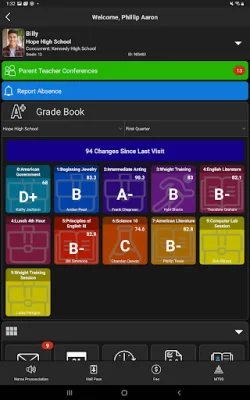
Latest Version
1.9.16
July 15, 2026
Edupoint Education Systems
Education
Android
0
Free
com.edupoint.parentvue
Report a Problem
More About ParentVUE (New)
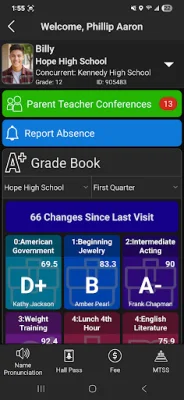
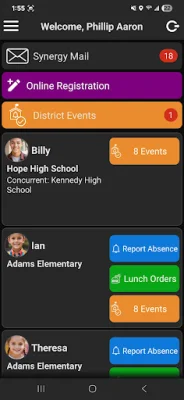
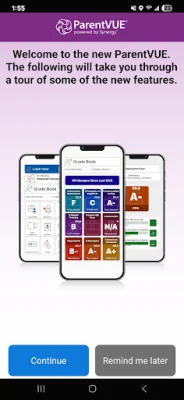
The ParentVUE mobile app is a convenient tool for parents to access important information about their child's education. It allows parents to view their child's grades, attendance, and other school-related information. In order to use the app, you may need to provide your location or zip code to find your school district. This feature is powered by Synergy® SIS, a student information system used by many school districts.
If you are unable to provide your location or zip code, you can also search for your school district by manually entering the zip code of the district office. The app will then display a list of all school districts near your location or the provided zip code. This makes it easy for parents to find their specific school district and access the information they need.
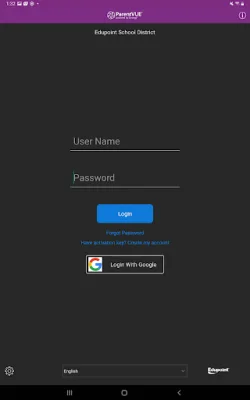
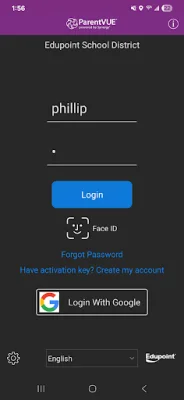
In order to log in to the ParentVUE mobile app, you will need to use the same login information as the web-based portal. If you are unsure of your login credentials, you can contact your school district's administration for assistance. They will be able to provide you with the necessary information to access the app and view your child's academic progress.
It is important to note that the ParentVUE mobile app is only compatible with school districts using Synergy® SIS v2025 and higher. If you are unsure of your school district's version, you can contact the administration to verify. Additionally, an internet connection is required to use the app, so make sure you have a stable connection before accessing it.
The ParentVUE mobile app is a user-friendly and efficient way for parents to stay updated on their child's education. With its easy-to-use features and access to important information, it is a valuable tool for any parent. If you have any trouble using the app or accessing your child's information, do not hesitate to reach out to your school district's administration for assistance.
Rate the App














Popular Apps









