

Partial Screen Pro
1.2.0 by Andrii Ichenets (0 Reviews) April 28, 2026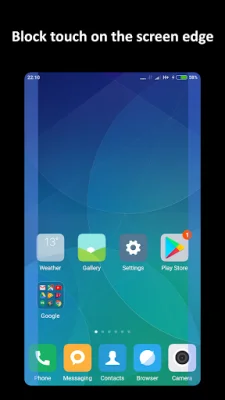
Latest Version
1.2.0
April 28, 2026
Andrii Ichenets
Tools
Android
0
$2.49
ich.andre.partialscreen.pro
Report a Problem
More About Partial Screen Pro
If you find yourself constantly being interrupted by accidental touches on your screen, this application can help you out. It allows you to block specific areas of your screen where these touches occur, giving you a more seamless and uninterrupted experience.
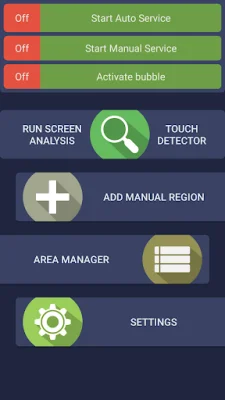
There are two ways to add these touch-blocking areas: automatic and manual. In automatic mode, the app will analyze your screen and intercept all touches for a set period of time to identify the areas that need to be blocked. In manual mode, you can add the areas yourself by selecting "add manual region" and placing it on the screen.
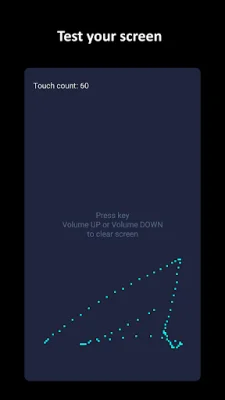
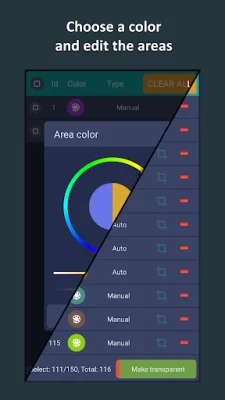
In addition to blocking touches, the app also has a touch detector feature that can track spontaneous touches on your screen. You can also customize the blocked areas by changing their color, size, and position in the area manager.
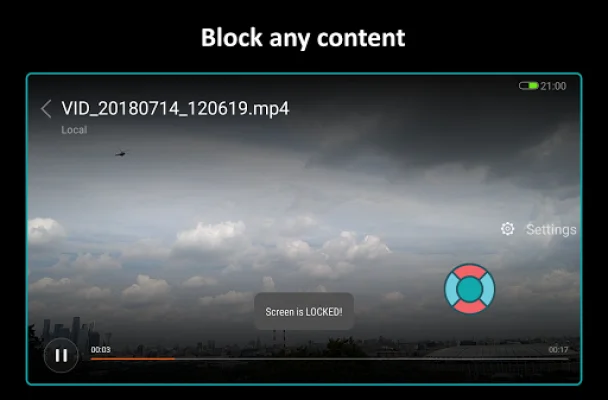
The app also offers a bubble mode, where you can double-tap on an indicator to lock the entire screen. This indicator can be placed anywhere on the screen and will be displayed on top of all other elements.
Other features include the ability to edit areas in the manager, change the transparency of all areas, and enable the app to start automatically when your device powers on. However, please note that the full overlap mode is not supported on Android 8.0 and higher versions.
If you have any questions or suggestions, you can contact the developer via email. The app also provides additional materials and a video review to help you better understand its functionality. Additionally, there are instructions for specific devices, such as Samsung, Oppo, Xiaomi, and Huawei, to prevent the app from being stopped or turned off.
Rate the App















Popular Apps









