
Phone - Dialer & iCall Screen
4.7.3 by GriceMobile (0 Reviews) August 04, 2024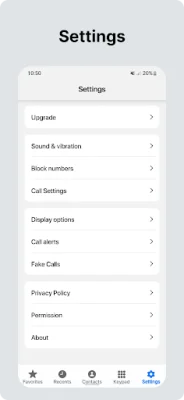
Latest Version
4.7.3
August 04, 2024
GriceMobile
Communication
Android
0
Free
com.grice.dialer
Report a Problem
More About Phone - Dialer & iCall Screen
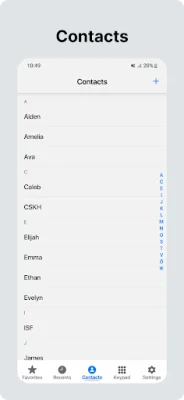
This application is a comprehensive tool for managing contacts and calls on your phone. It allows you to view your contact list and call log, as well as add, modify, and delete contacts. You can also delete call logs and view detailed information about each call.
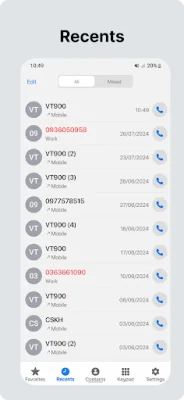
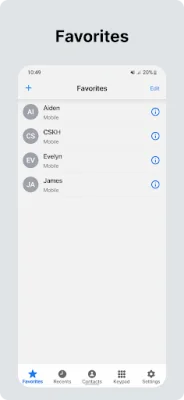
One of the key features of this application is the ability to quickly make calls from the favorite contacts or call log screen. This makes it easy to stay in touch with the people you communicate with most frequently.
When receiving an incoming call, you can slide to answer if your phone is locked, or quickly answer if it is unlocked. You also have the option to reject the call and set a reminder for later. You can customize how incoming calls are displayed, choosing between a banner or full-screen notification.
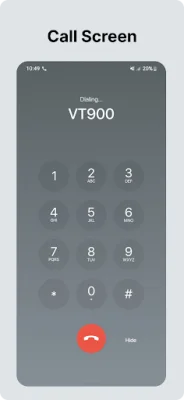
The in-call screen is designed to be visually appealing and user-friendly. You can add a new call, merge or swap calls, and enter DTMF keys during a call. The application also supports managing conference calls, including splitting or ending child calls.
If your phone supports multiple SIM cards, you can select which SIM to use for making calls. The recent screen will also show which SIM slot was used for each call. Additionally, you can set a custom image as the call background and assign specific backgrounds for each contact.
Other useful features include controlling the flash light when receiving an incoming call, support for earphones or Bluetooth headphones, and the ability to change the audio route during a call. The application also offers various settings such as rejecting calls with a message, blocking numbers, creating fake calls, and customizing contact display options.
In order to function properly, this application requires certain permissions such as billing and internet access for supporting the development team, as well as permissions for making and receiving calls, displaying and deleting contacts, and displaying and deleting call logs.
If you encounter any issues while using this application, the developers encourage you to provide feedback so they can address and resolve any problems. You can contact them via email at [email protected].
Rate the App















Popular Apps









