

Pianolytics - Learn Piano
by Strong Apps LLC (0 Reviews) November 28, 2025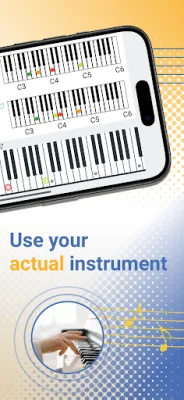



Latest Version
November 28, 2025
Strong Apps LLC
Education
Android
0
Free
com.strongapps.pianotrainer.android
Report a Problem
More About Pianolytics - Learn Piano
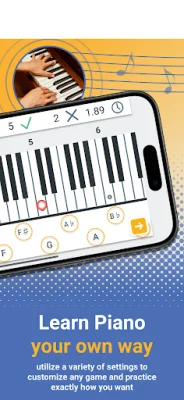
This application is designed to help piano players improve their skills by providing a variety of games and tools to practice with. With 21 different games and tools available, users can customize their experience by selecting which section of the piano they want to practice on. They can choose to practice the first keys, a section in the middle, or the entire piano.
One of the games available is the Color Matching game, where users can learn by matching random notes with the keys on the piano. Another game, the Name Chord game, allows users to master different chord patterns by selecting which chords they want to practice on any section of the piano. This game helps users quickly identify any chord pattern.
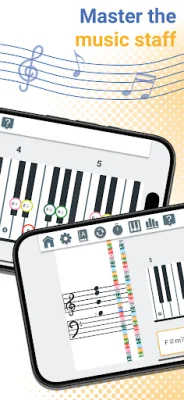
The Staff game is designed to help users learn how to read notes on a staff. They can choose which section of the staff they want to practice on and even select the type of staff they want to use. For those looking to improve their skills on both the piano and staff, the Staff and Fretboard game allows users to select a key on the piano that matches a note on the staff.
The Scale Explorer game allows users to explore different scales on the piano by choosing a root note and one of the 63 available scales. They can also customize the color of the notes on the piano to make it easier to identify intervals. Additionally, the Chord Progression generator tool allows users to create their own songs and practice playing them with the playback feature.
Users can track their progress with statistics and a heat-map for each key. They can also compete with friends on Game Center or share their progress with them. The application supports various note notations, including solfege, number, and different languages. While some features are available for free, users can fully unlock all features through in-app purchases. More games and features are constantly being added to the application.
Rate the App














Popular Apps









