PS Game Controller-Remote Play
1.1.9 by LeoStudio Global Ltd. (0 Reviews) November 19, 2025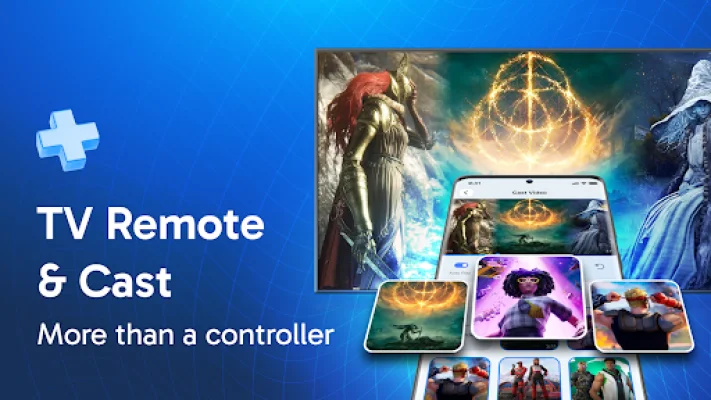

Latest Version
1.1.9
November 19, 2025
LeoStudio Global Ltd.
Tools
Android
0
Free
ps.remote.play.playstation.controller.games
Report a Problem
More About PS Game Controller-Remote Play
Have you ever been in a situation where you can't find your DualSense controller and you're itching to play your favorite PlayStation games? Maybe you left it at home, misplaced it, or need extra controllers for friends who are over. Well, the PS5 Controller & Remote Play app is here to change the game for you.
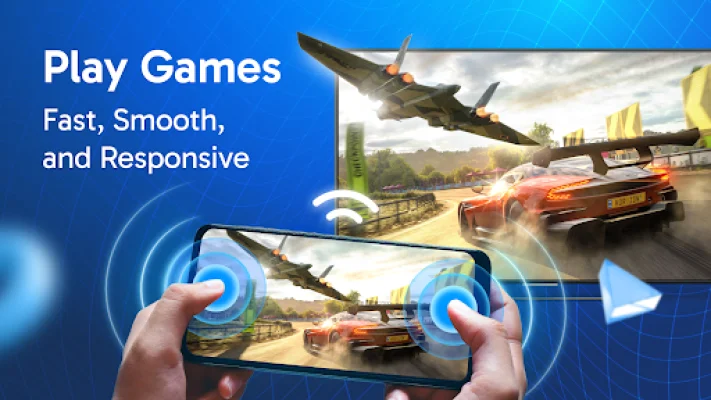
This app offers a variety of features that will transform the way you play. One of the key features is the Remote Play mode, which allows you to use your phone as a second screen while gaming. You can display maps, stats, or guides on one screen while playing on the other. This is perfect for enhancing your gaming experience and making it more immersive.
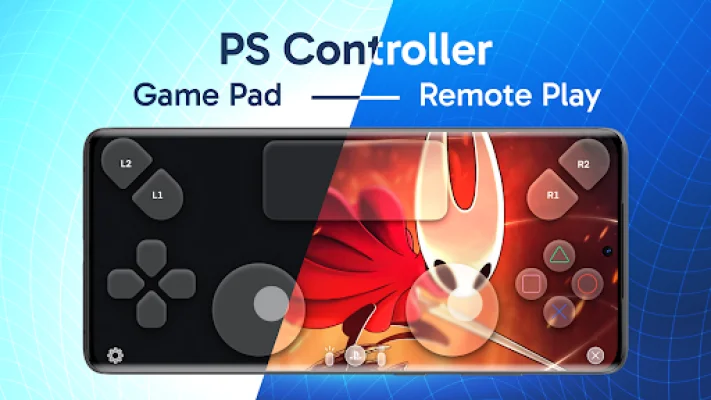
Another great feature is the Gamepad Controller mode, which allows you to use your phone as a virtual gamepad that mirrors the physical DualSense controller. This means you can enjoy full control and the same responsiveness and precision as a traditional controller, all in the palm of your hand.
The app also offers Share Play, which allows you to play together and share your gaming experience with others, no matter where they are. And with the Game Store feature, you can easily browse and explore trending titles, new releases, and must-play classics all in one convenient app.
But the PS5 Controller & Remote Play app offers more than just gaming. It also has features like TV Cast, which allows you to stream multimedia from your phone to your TV, and Remote TV, which lets you control your TV directly from your phone. Plus, with the AI Chat Assistant, you can communicate with an AI assistant to get tips, recommendations, and even gaming help.
So why choose the PS5 Controller & Remote Play app? For one, it offers convenience by turning your smartphone into a reliable gaming companion. It also offers versatility with its various features, and innovation with advanced features like AI integration and dual-screen support.
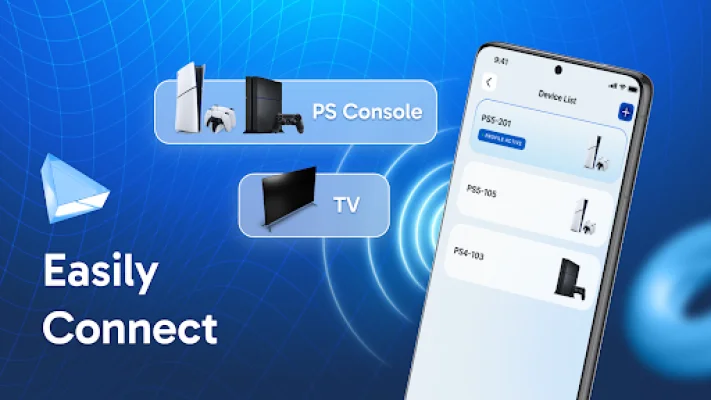
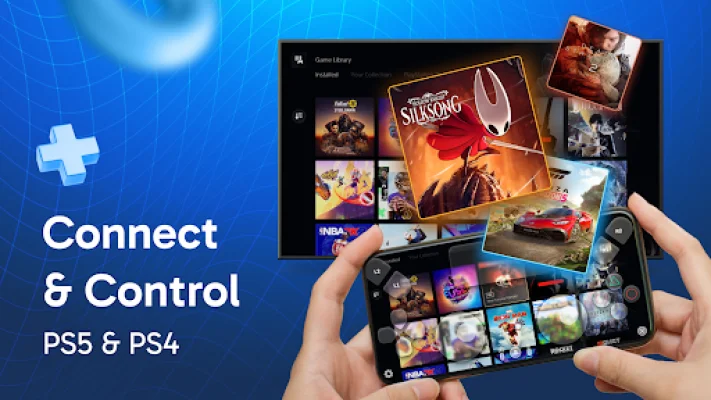
If you're wondering how to turn your phone into a PS5 or PS4 controller, it's simple. Just make sure your phone and PlayStation are connected to the same WiFi network, choose the devices you want to connect, and login to your PlayStation account to access gameplay.
Overall, the PS5 Controller & Remote Play app is perfect for anyone looking to elevate their gaming experience. Whether you need a replacement controller, extra gamepads for friends, or just want to explore the freedom of gaming on your phone, this app has got you covered. So why wait? Download now and revolutionize the way you play PlayStation games—anytime, anywhere. And don't forget, the app is available under the GNU Affero General Public License version 3, and you can find the source at https://leostudio.global/license-ps.html. Be sure to also check out the Terms of Service and Privacy policies at https://leostudio.global/policies. And if you have any feedback, don't hesitate to contact the developers at https://leostudio.global/.
Rate the App













Popular Apps









