

PS Remote Play Controller
1.0.16 by Vidpal Apps Studio (0 Reviews) November 11, 2025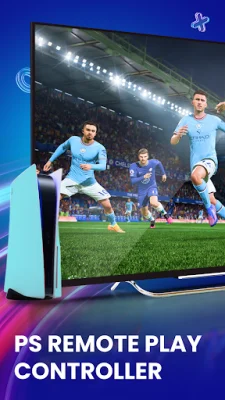
Latest Version
1.0.16
November 11, 2025
Vidpal Apps Studio
Entertainment
Android
0
Free
com.playstation.remote.play.psremote
Report a Problem
More About PS Remote Play Controller
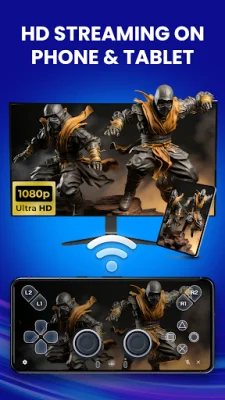
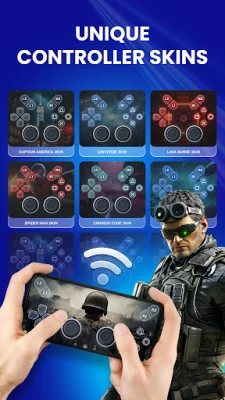
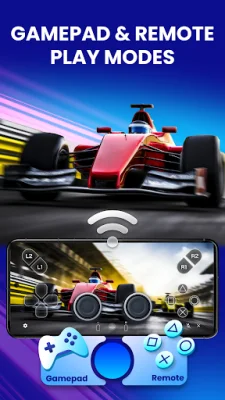
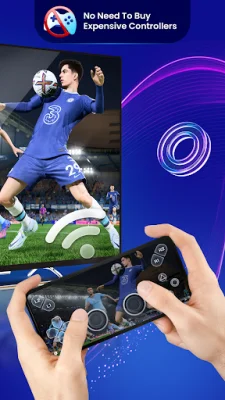
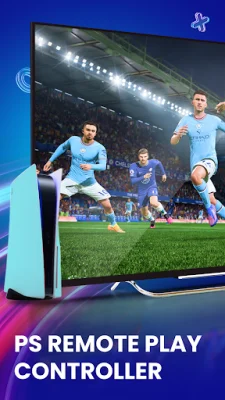
The PSRemotePlay app is designed to make gaming easier and more convenient for players who want to enjoy their favorite games without the hassle of complicated hardware or wires. It supports both PS4 and PS5 remote play, allowing users to use an on-screen controller to play their games. The app offers a variety of features, including an on-screen PS4 controller for remote console access, customizable button mapping, and multiple virtual controller skins for a personalized look. It also has light and dark themes for better visibility and adjustable streaming quality up to 1080p at 60 FPS. One of the main benefits of using the PSRemotePlay app is the ability to use your Android phone screen as a full PS4 or PS5 controller. This is perfect for casual gaming, quick play, or when you don't have your physical controller with you. The app displays all the main buttons, joysticks, and triggers, making it easy to control your console. The app also offers low latency streaming, ensuring fast and responsive controls with near real-time feedback. This is achieved through optimized virtual game controller performance, making it suitable for both fast-paced games and menu navigation. Users can also customize their gaming experience with different visual styles and themes, such as Captain America, Blue Monster, Zombie, or Neo. The app also allows for streaming quality control, with support for up to 1080p resolution at 60 FPS. To use the app, users simply need to register their console by entering their PS username and connecting their Android device and console to the same Wi-Fi network. The app does not stream games directly, but works with the official PS Remote Play app setup. It's important to note that the PSRemotePlay app is a third-party app created by an independent developer and is not affiliated with or endorsed by any console brand. The app also has a privacy policy in place to protect user data. Overall, the PSRemotePlay app offers a convenient and customizable way to enjoy your favorite games using an on-screen controller.
Rate the App














Popular Apps









