
PS Remote Play for TV
tv.7.0.3 by PlayStation Mobile Inc. (0 Reviews) September 04, 2024



Latest Version
tv.7.0.3
September 04, 2024
PlayStation Mobile Inc.
Entertainment
Android
0
Free
com.playstation.remoteplay.tv
Report a Problem
More About PS Remote Play for TV
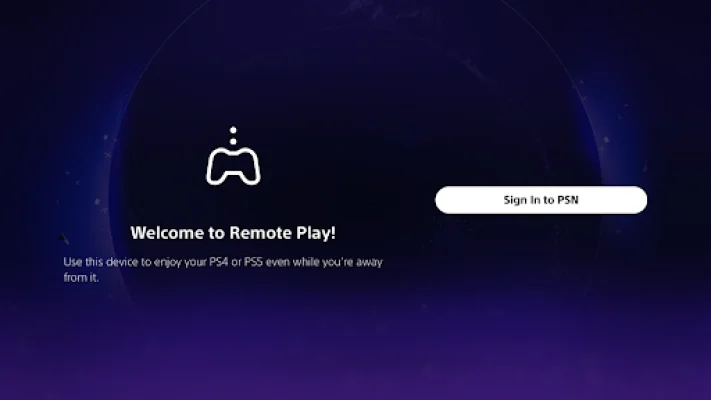
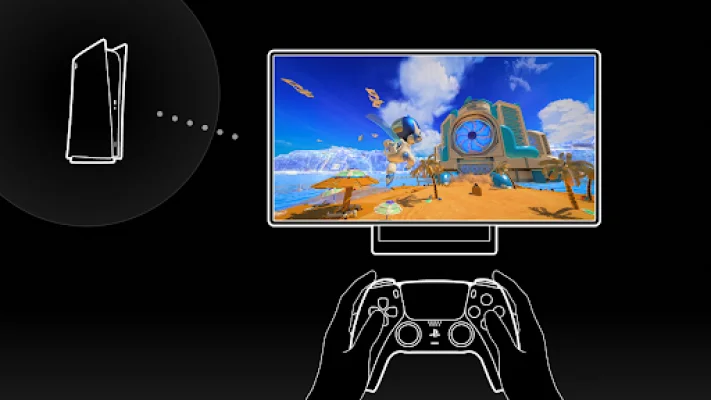
This app is designed for use with a TV or Chromecast with Google TV that has Android TV OS 12 installed. It is recommended to set your TV or monitor to low latency game mode for optimal performance. In addition, you will need a DualSense™ wireless controller or DUALSHOCK®4 wireless controller, a PS5 or PS4 console with the latest system software version, and an account for PlayStation™Network. A fast and stable internet connection is also required, with a wired connection or 5 GHz Wi-Fi network connection being recommended for the best experience.
It is important to note that this app has been verified to work with certain devices, including the Sony BRAVIA series and Chromecast with Google TV (4K model or HD model). For a full list of supported models, you can visit the BRAVIA website at https://www.sony.net/bravia-gaming. However, it may not function properly on unverified devices and may not be compatible with some games.
When using this app, you may notice that your controller vibrates differently than when playing on your PS5 or PS4 console. This could be due to your device not supporting it. Additionally, depending on the signal conditions of your Android TV or Chromecast with Google TV, you may experience input lag when using your wireless controller.
Before using this app, it is important to read and agree to the end-user license agreement, which can be found at www.playstation.com/legal/sie-inc-mobile-application-license-agreement/. This app is subject to the terms and conditions outlined in the agreement.
Rate the App













Popular Apps









