

PTT walkie talkie - wifi Call
1.7.3 by ZakAppsStudio (0 Reviews) July 26, 2024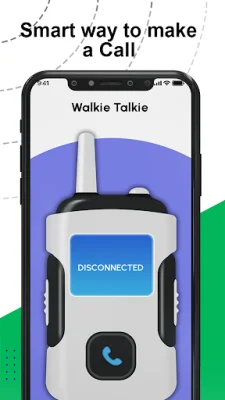


Latest Version
1.7.3
July 26, 2024
ZakAppsStudio
Communication
Android
0
Free
com.walkie.talkie.twoway.communication.pushtotalk.freevoice.calls.without.internet.wifiapp
Report a Problem
More About PTT walkie talkie - wifi Call
This application is a two-way radio walkie-talkie app that allows users to communicate with each other through Wi-Fi and Bluetooth connections. It can be used on any Android device and is easy to use. The app sends notifications to others when they are offline, and users can hold down a button to talk to each other. It also has the capability to create call and chat rooms for group communication. The app works on both Wi-Fi and cellular data, making it convenient for users to connect with others regardless of their internet connection.
One of the main features of this app is its ability to function as a two-way radio, allowing users to communicate with each other at a limited distance. The voice quality is clear and there is no disturbance during conversations. The app is also secure, as it does not keep records of calls or chats. It has a user-friendly interface and can be used on both Android phones and tablets.
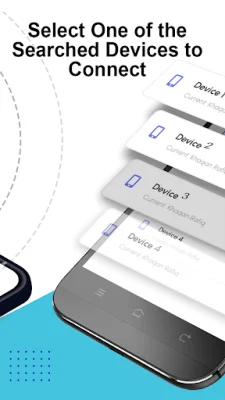
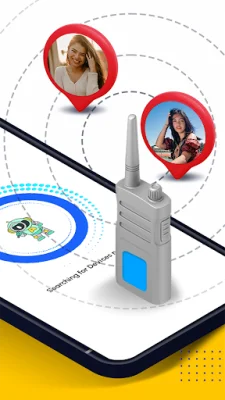
In order to use the app, users must allow location and microphone permissions. The location permission is needed to find nearby devices, while the microphone permission is necessary for recording and sending audio during calls. The app also requires Bluetooth to be turned on.
To use the app, users must first install it on their Android device and allow the necessary permissions. They can then enter their name for others to recognize them and start a call by pressing the call icon. If the call is disconnected, users can simply end the call and dial again. This app is a great alternative for those looking to save money on phone bills, as it allows for free calling through Wi-Fi and Bluetooth connections. If users find the app helpful, they can rate it on the Google Play Store.
Rate the App















Popular Apps









