

QuickShare Client
2.2.6 by Bozee (0 Reviews) August 16, 2024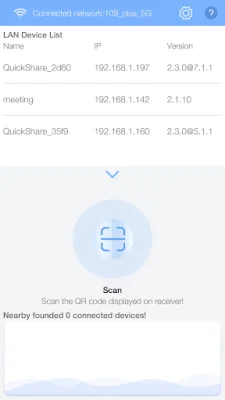
Latest Version
2.2.6
August 16, 2024
Bozee
Education
Android
0
Free
com.bozee.quickshare
Report a Problem
More About QuickShare Client
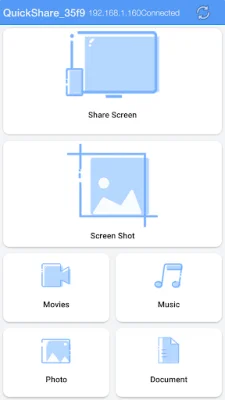
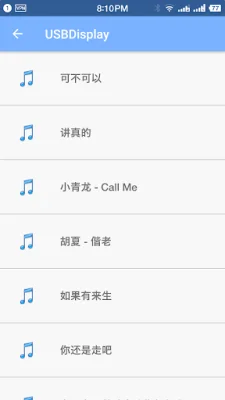
This application allows users to easily share their screen with others using the QuickShare Receiver. With just a few clicks, users can mirror their screen content from the QuickShare Receiver to their Android phone or tablet. This makes it convenient for users to view audio, video, and office files on their QuickShare receiver without having to transfer them to their mobile device.
One unique feature of this application is the ability to touch back the QuickShare receiver when mirroring back the screen. This means that users can interact with the receiver and control it remotely while mirroring their screen. This can be useful for presentations or demonstrations where the user needs to navigate through different files or applications on the receiver.
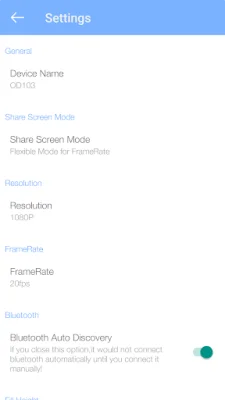
Additionally, this application also allows for remote control of the QuickShare receiver. This means that users can control the receiver from their mobile device, making it easier to switch between different files or applications without having to physically access the receiver. This feature can also be useful for situations where the receiver is not easily accessible, such as in a conference room or classroom setting.
Overall, this application offers a convenient and efficient way to share and view screen content on the QuickShare receiver. With its unique features such as touch back and remote control, it provides a seamless experience for users to interact with the receiver and its content. Whether for personal or professional use, this application is a valuable tool for anyone looking to share and control their screen with ease.
Rate the App















Popular Apps









