

RBC WM Online U.S.
118.0.0 by RBC Capital Markets, LLC (0 Reviews) December 19, 2025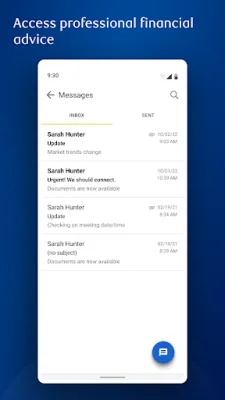
Latest Version
118.0.0
December 19, 2025
RBC Capital Markets, LLC
Finance
Android
0
Free
com.rbc.clientmobility.us.prod
Report a Problem
More About RBC WM Online U.S.
This application allows you to easily manage your accounts and stay connected with your financial advisor. With just a touch of a button, you can securely access your accounts, view market data, and communicate with your advisor. To get started, simply sign in using the same username and password you use for RBC Wealth Management Online on your desktop. If you don't have an account yet, you can easily register through the app if you are an existing client.
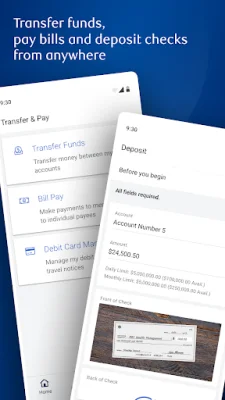
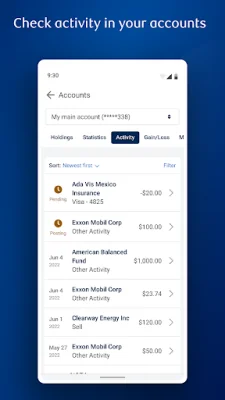
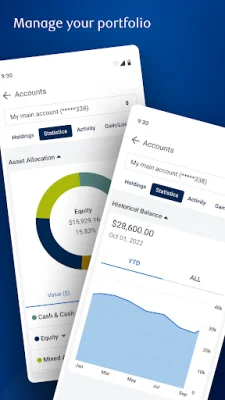
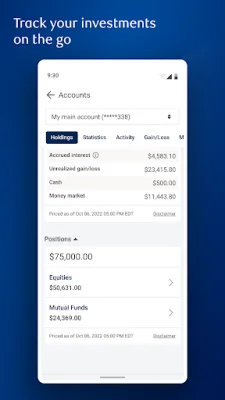
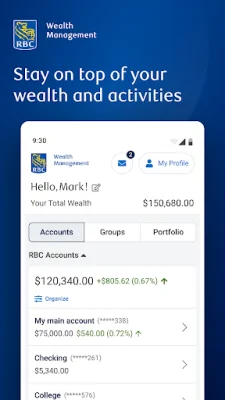
Once you are logged in, you can view your entire portfolio through the dashboard. This includes checking your account balances, performance summaries, asset mixes, holdings, and activities for specific accounts. You can also conveniently deposit checks directly into eligible accounts through the app. This saves you time and hassle from having to go to a physical bank.
The app also provides you with up-to-date market performance information. You can see major movers and related investment news at a glance. This allows you to stay informed and make informed decisions about your investments. Additionally, you can securely send messages and attachments to your financial advisor through the app. You can also access their contact information instantly.
If you need assistance, you can easily get in touch with Client Support Services through the app. And for added security, the app offers fingerprint authentication. To ensure the best performance and security, make sure your device is running the latest version of the Android system and enable push notifications for important alerts. This will help you stay on top of any important updates or changes to your accounts. With this app, managing your accounts and staying connected with your advisor has never been easier.
Rate the App














Popular Apps









