
Regions iTreasury Mobile
2.11.3 by Regions Bank (0 Reviews) August 05, 2024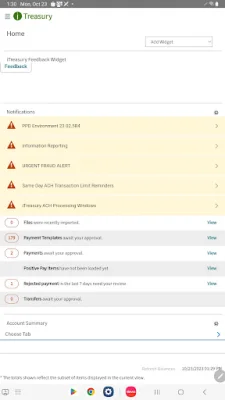
Latest Version
2.11.3
August 05, 2024
Regions Bank
Finance
Android
0
Free
com.regions.itrmobile
Report a Problem
More About Regions iTreasury Mobile
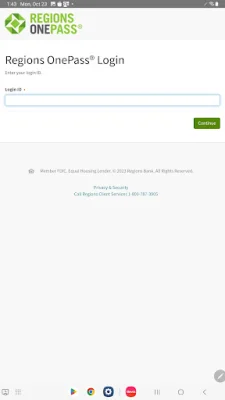
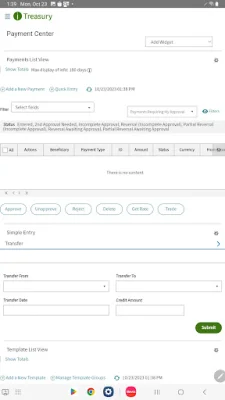
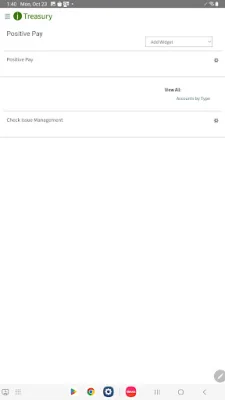
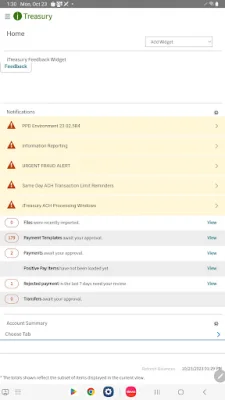
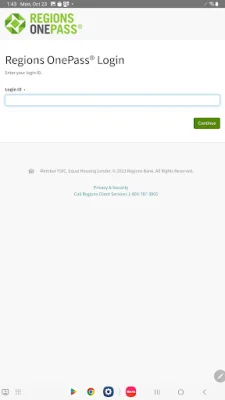
iTreasury is a mobile application that allows users to access their Regions iTreasury account on their compatible devices. In order to use the app, users must be enrolled in Regions iTreasury and have assigned Regions OnePass® credentials. This ensures the security of the app and protects user information.
Registration is required to use the iTreasury mobile app, and access will be granted by the user's company administrator. This allows for controlled access to the app and ensures that only authorized users can view sensitive financial information.
It is important to note that the service terms and conditions apply to the use of the iTreasury mobile app. These terms and conditions outline the responsibilities and obligations of both the user and the app provider. It is important for users to read and understand these terms before using the app.
If you would like to learn more about the iTreasury mobile app, you can contact your Regions Relationship Manager or Treasury Management Officer. They will be able to provide you with more information and answer any questions you may have. You can also call the Regions Treasury Management Small Business Group at 1-866-822-3770 or visit Regions.com/NewiTreasury for more information.
The iTreasury mobile app is a convenient and secure way for users to access their Regions iTreasury account on the go. With the necessary credentials and registration, users can easily manage their financial information and transactions from their compatible devices. Contact your Regions representative or visit the website to learn more about this useful tool for managing your finances.
Rate the App















Popular Apps









