
Regions Quick Deposit Mobile
2024.0.4 by Regions Bank (0 Reviews) August 04, 2024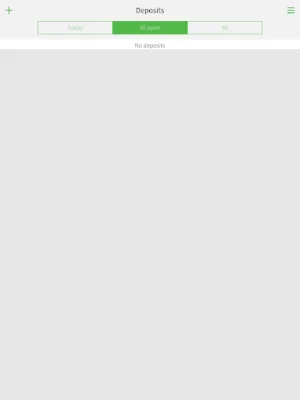
Latest Version
2024.0.4
August 04, 2024
Regions Bank
Finance
Android
0
Free
com.regions.qdmobile
Report a Problem
More About Regions Quick Deposit Mobile
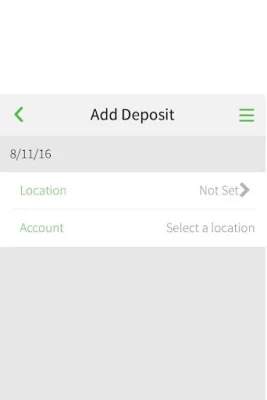
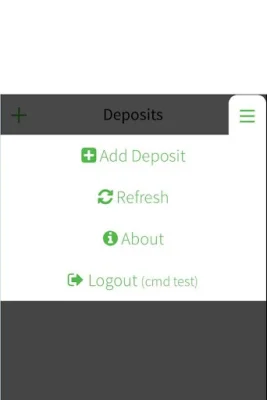
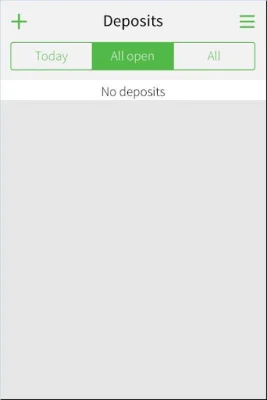
Regions Quick Deposit® Mobile is a convenient and efficient way for business clients to make deposits without having to physically go to a Regions branch or their office. This mobile application allows users to capture check images using their mobile device, making it easy to deposit checks on the go. This service also offers an extended deposit deadline and the ability to centralize company deposits, providing added convenience and flexibility for business clients.
In order to use Regions Quick Deposit® Mobile, users must be a Regions business client and enrolled in the service. Registration is required and enrolled users will be given a Regions OnePass℠ security login ID and password to access the mobile app. This ensures the security and privacy of all transactions made through the app.
To learn more about Regions Quick Deposit® Mobile, business clients can contact their Regions Relationship Manager or Treasury Management Officer. They can also call the Regions Treasury Management Small Business Group or visit the Regions website for more information. This mobile app is designed to make the deposit process easier and more efficient for business clients, allowing them to focus on other important aspects of their business.
With Regions Quick Deposit® Mobile, business clients can save time and effort by depositing checks on the go, without the need to physically visit a branch or go back to their office. This service is especially beneficial for businesses that have a high volume of check deposits, as it allows them to centralize their deposits and manage them more effectively. Overall, Regions Quick Deposit® Mobile is a valuable tool for business clients, providing convenience, flexibility, and security for their deposit needs.
Rate the App














Popular Apps









