
Remo Duplicate File Remover
3.0.0.23 by Remo Software (0 Reviews) August 07, 2024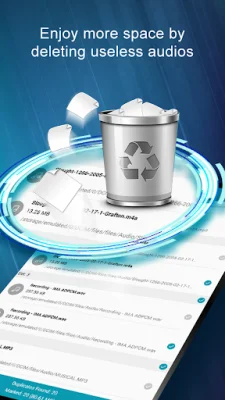
Latest Version
3.0.0.23
August 07, 2024
Remo Software
Tools
Android
0
Free
com.remoduplicatefilesremover
Report a Problem
More About Remo Duplicate File Remover
Nowadays, with the increasing storage space in Android devices, it has become common for us to fill up our devices with various files and data. However, when our storage space reaches its limit, we often try to delete unnecessary files to free up space. What we often overlook are duplicate files, which can take up about 10% of our device's storage. This is where Remo Duplicate File Remover comes in, as it helps us easily identify and delete these duplicate files, freeing up space on our Android devices.
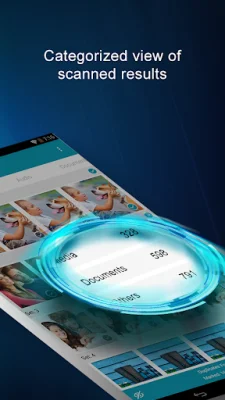
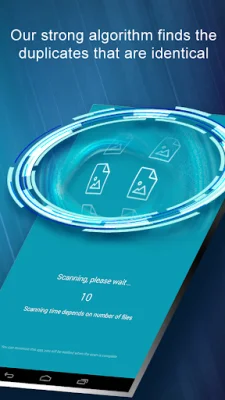
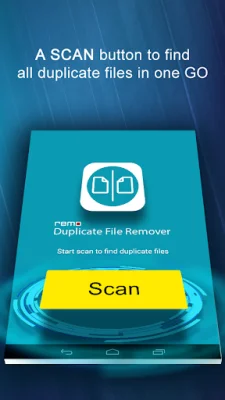
This app is lightweight and completely free to use. With just one tap, it can scan your entire storage space and identify duplicate files. The interface is simple and user-friendly, making it easy for anyone to use. It also displays three different menus for media, documents, and other file types, making it easier to organize and delete duplicate files.
One of the unique features of Remo Duplicate File Remover is that it sends notifications every 15 days to alert you of any new duplicate files that have been detected. This ensures that your device stays clutter-free and you can regularly free up space by deleting duplicate files.
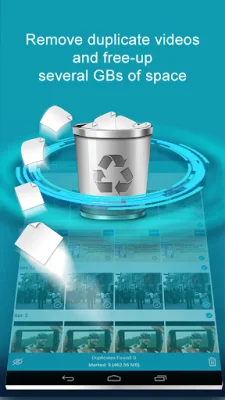
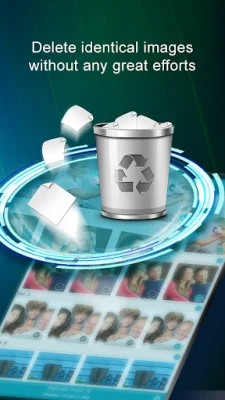
Using Remo Duplicate File Remover is a simple process. After clicking the "Scan" button, the app will display three tabs - media, documents, and others. You can choose the appropriate tab based on the type of files you want to scan for duplicates. For example, in the "Media" tab, you can select images, videos, or audios, while the "Documents" tab will show all duplicate files such as PDFs, text files, and spreadsheets. The "Others" tab is for all other file types, such as zip files. Once you have selected the duplicate file, you can easily delete it with just one click, helping you to keep your device organized and optimized for better performance.
Rate the App















Popular Apps









