
Remote AIO shortcut
by ABDELHAKIM MAHHA (0 Reviews) April 04, 2026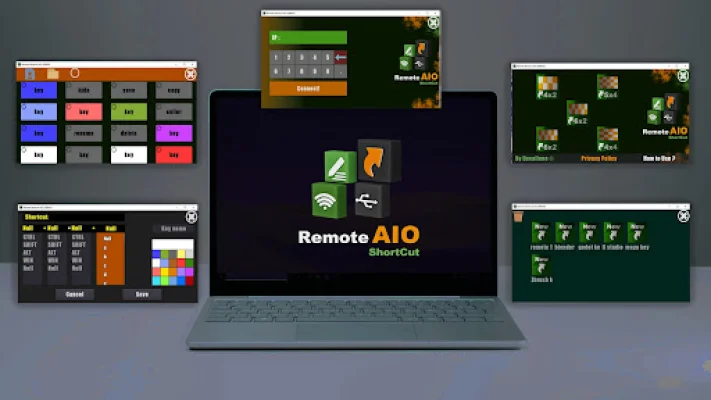
Latest Version
April 04, 2026
ABDELHAKIM MAHHA
Tools
Android
0
Free
ainmatson.shortcuts.hakim
Report a Problem
More About Remote AIO shortcut
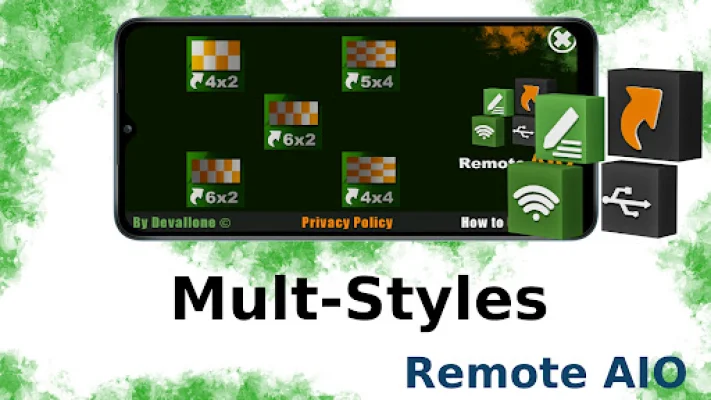
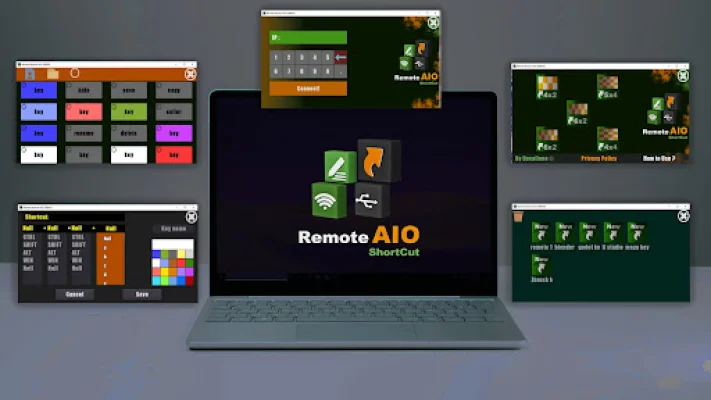
This application allows you to create your own remote control by adding control buttons and connecting them to specific events or shortcuts. It can be used over a WI-FI or USB connection and is programmed in C# for efficient use of processor and memory. The server tool is user-friendly and uses UDP connection for fast performance.
One of the main features of this app is the easy setup process for both the server and the app. The server can be easily installed and the app can automatically detect remotes on your network, making it convenient to use. Additionally, it offers more security for your remote control.
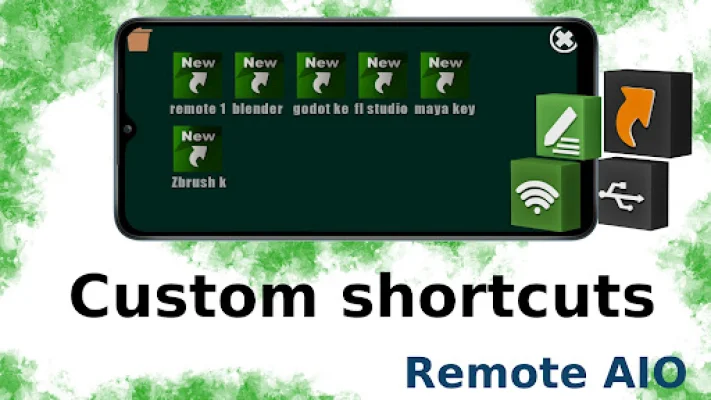
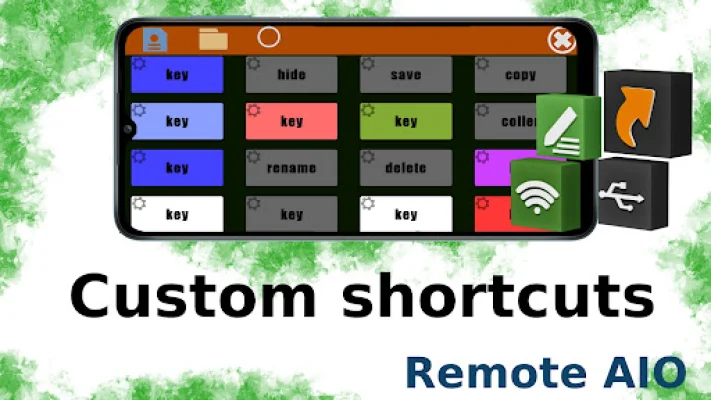
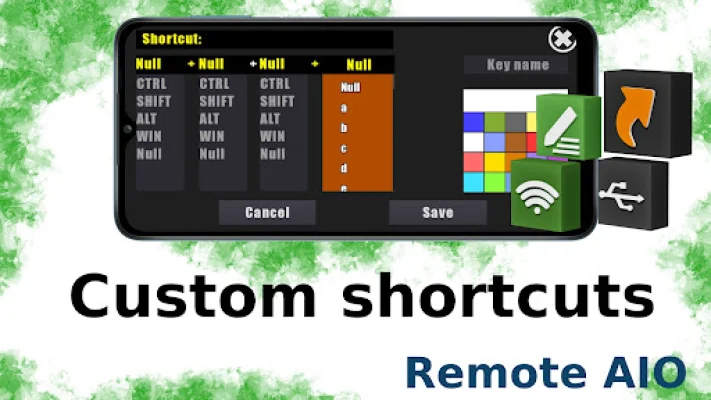
You also have the option to create your own custom remote using the remote edition part. This allows you to personalize your remote control according to your preferences. The app also supports shortcuts such as controls, shift, alt, and other keys for easier and quicker control of your PC.
This app is compatible with Windows 7, 8, 10, and 11, making it accessible for a wide range of users. To use it, simply download and install the remote AIO server from the provided website. Make sure your phone and computer are connected to the same network, then start the app to connect to your computer. The setup process for both the Remote Control Client and Remote Control Server is easy and hassle-free.
If you ever find yourself in a situation where your PC keyboard or touchpad is not working, or you simply want a more convenient way to control your PC, this remote control app is the perfect solution. It offers a unique and original way to control your PC and is designed to be SEO-oriented for a better user experience.
Rate the App














Popular Apps









