Remote Control for Android TV
by Cubix TechLab (0 Reviews) March 29, 2026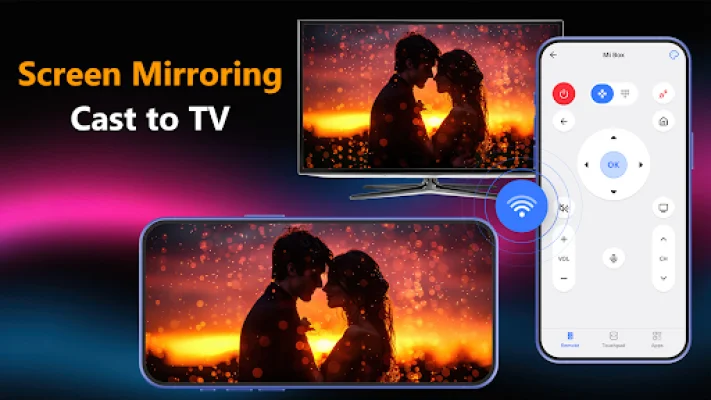
Latest Version
March 29, 2026
Cubix TechLab
Tools
Android
0
Free
com.btbapps.tools.droid.tv.remote.control
Report a Problem
More About Remote Control for Android TV
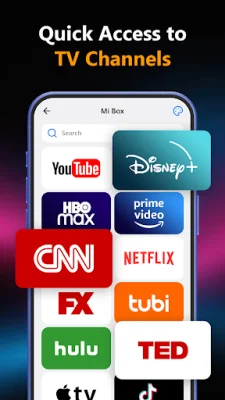
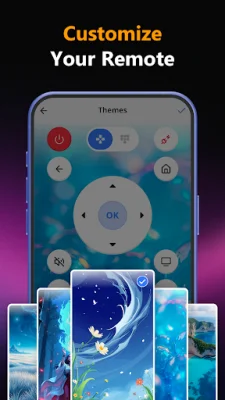
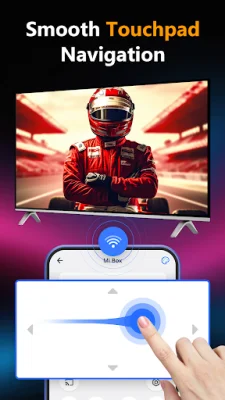
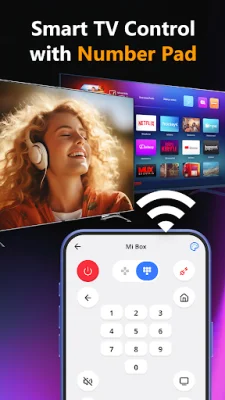
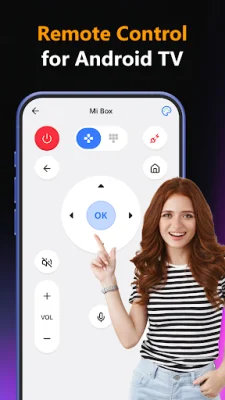
Remote Control for Droid TV is an application that allows you to control your Android TV with your phone. It offers a variety of features to enhance your TV viewing experience. With this app, you can easily navigate menus, control volume, switch channels, and open apps on your Android TV. It also allows for screen mirroring, so you can stream videos, photos, and apps directly from your phone to your TV. The app is compatible with a variety of devices, including Android TV, Smart TV, TV Box, and streaming devices. It offers touchpad navigation, volume and channel control, voice search support, custom themes, and quick access to apps. The user-friendly design makes it easy to use and provides a clean interface for fast and intuitive TV control.
To use Remote Control for Droid TV, you simply need to connect your phone and Smart/Android TV to the same Wi-Fi network. Then, enable Wireless Display/Miracast on your TV and select your TV from the device list on your phone screen. Once connected, you can enjoy full control and screen casting instantly. This app is perfect for watching movies, streaming, gaming on the big screen, or replacing a lost TV remote.
If you want to experience smarter control and casting, you can download Remote Control for Smart TV & Android TV today. However, it is important to note that this app is a third-party remote control tool and is not an official Google product. It is not affiliated with Google LLC and is not endorsed by them. It is designed specifically for Smart TV and Android TV devices, providing a convenient and efficient way to control your TV. So, if you want to enhance your TV viewing experience, give Remote Control for Droid TV a try.
Rate the App
Popular Apps









